Slack

Integrating Luciq with Slack is really simple. With a few clicks, you can be notified on Slack whenever you receive a new bug, feedback, crash or user reply.

1
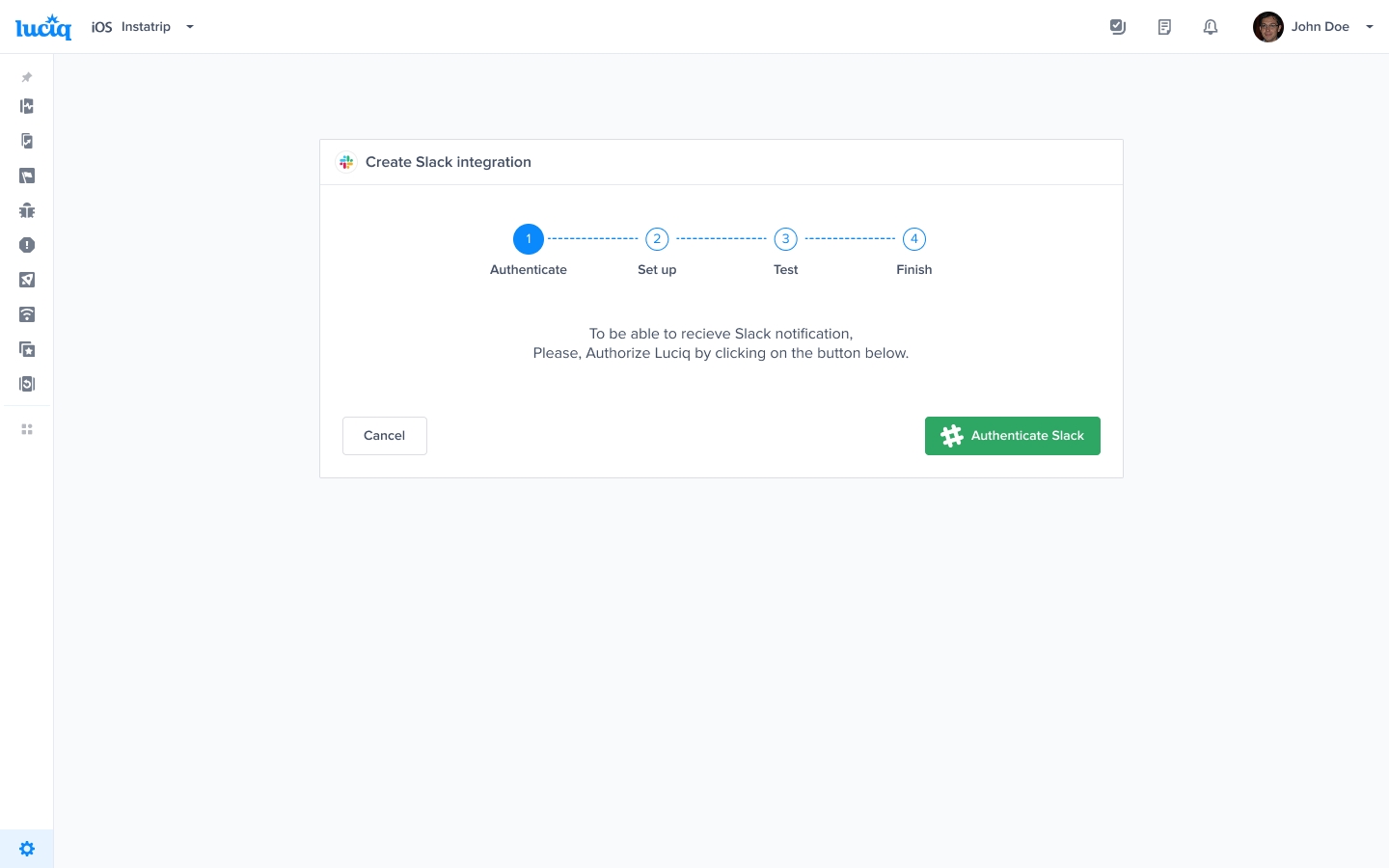
Click Authorize Slack

Click on Authorize Slack to allow the integration between both Slack and Luciq. You will be redirected to Slack's authentication page.

2

Sign in and choose a channel

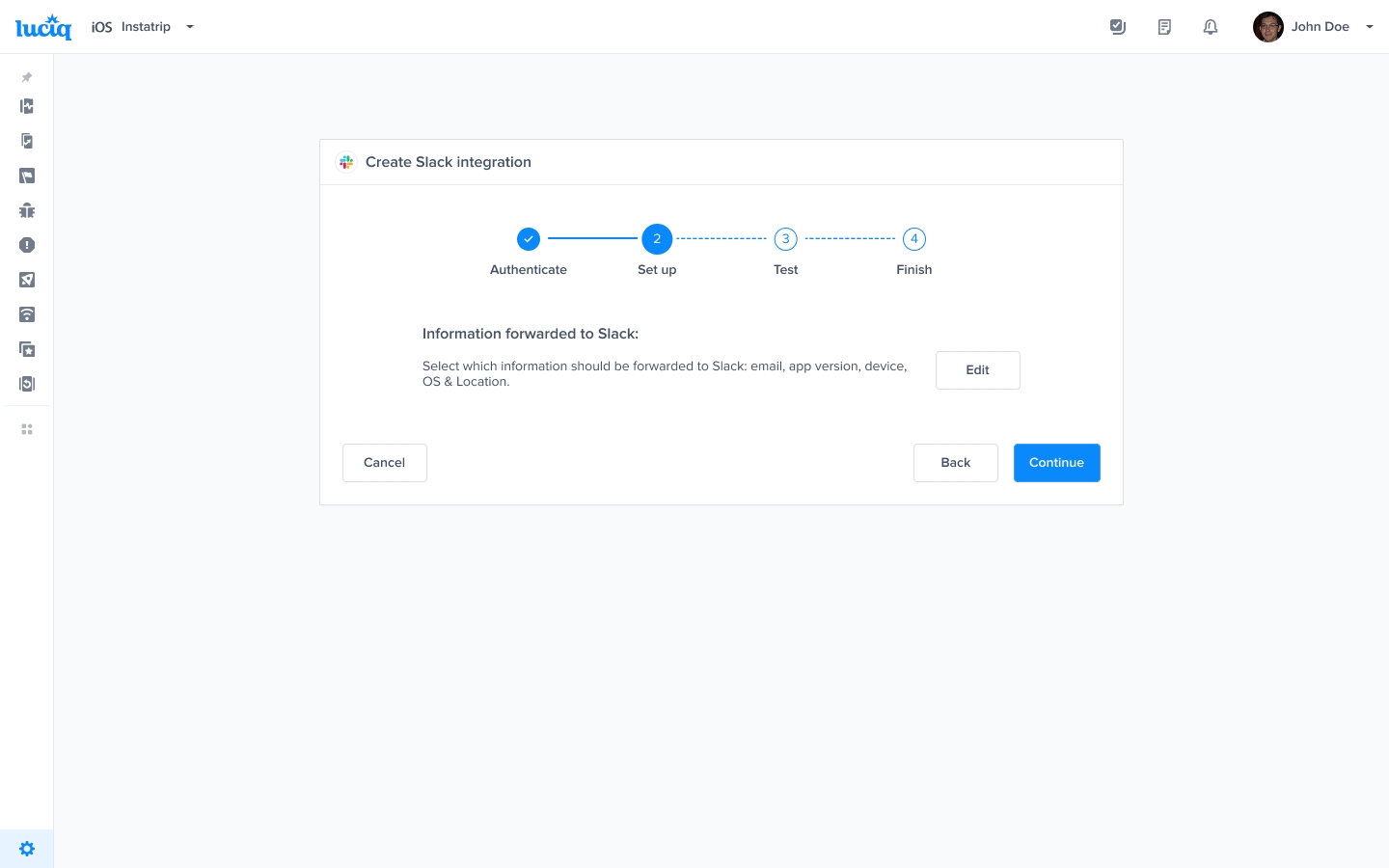
Enter your Slack credentials, then choose where to post to. When you're all done with the permissions, hit Authorize.

3

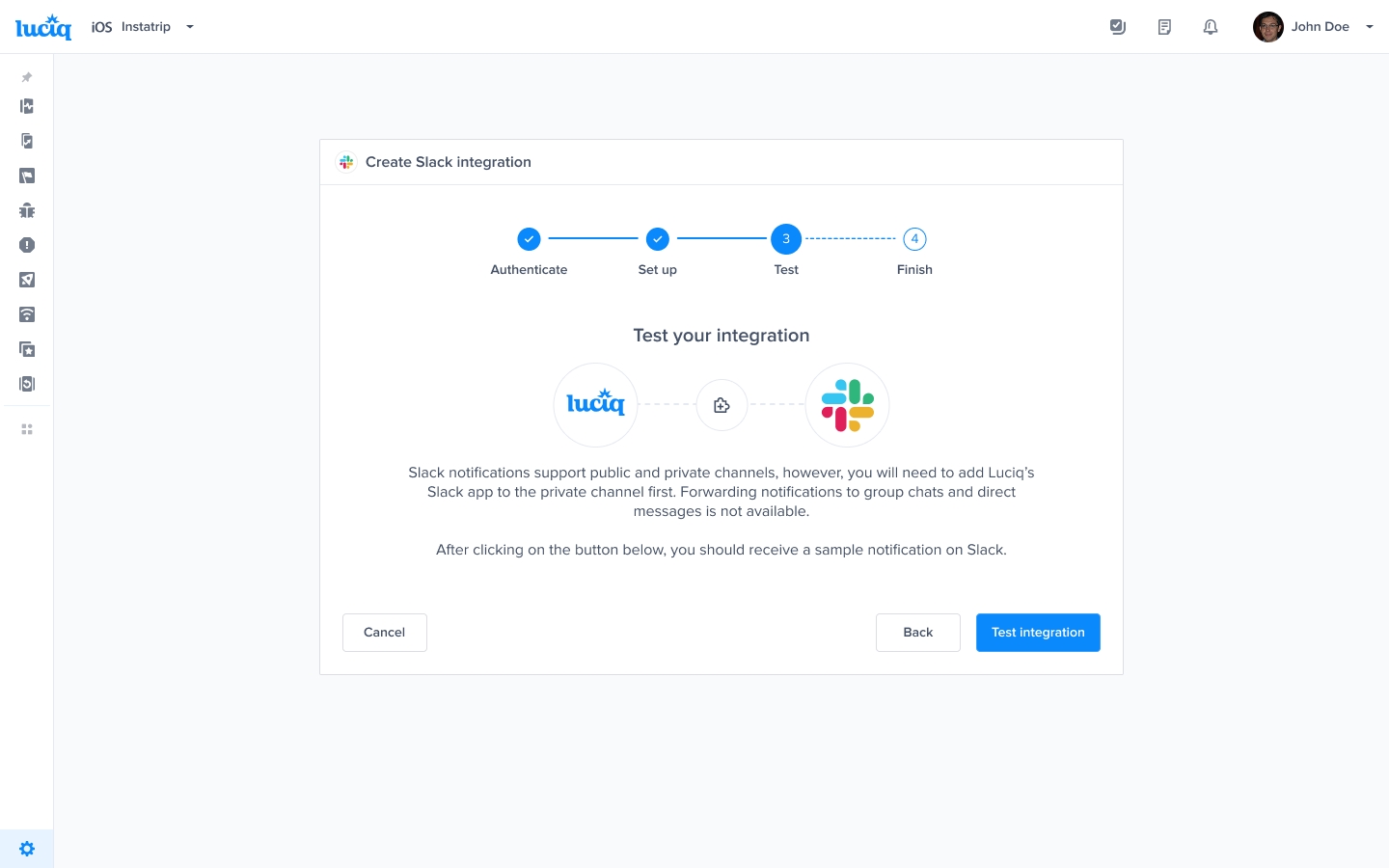
Test the integration

At this point, we just need to test your integration so that we're sure everything is working smoothly.

4

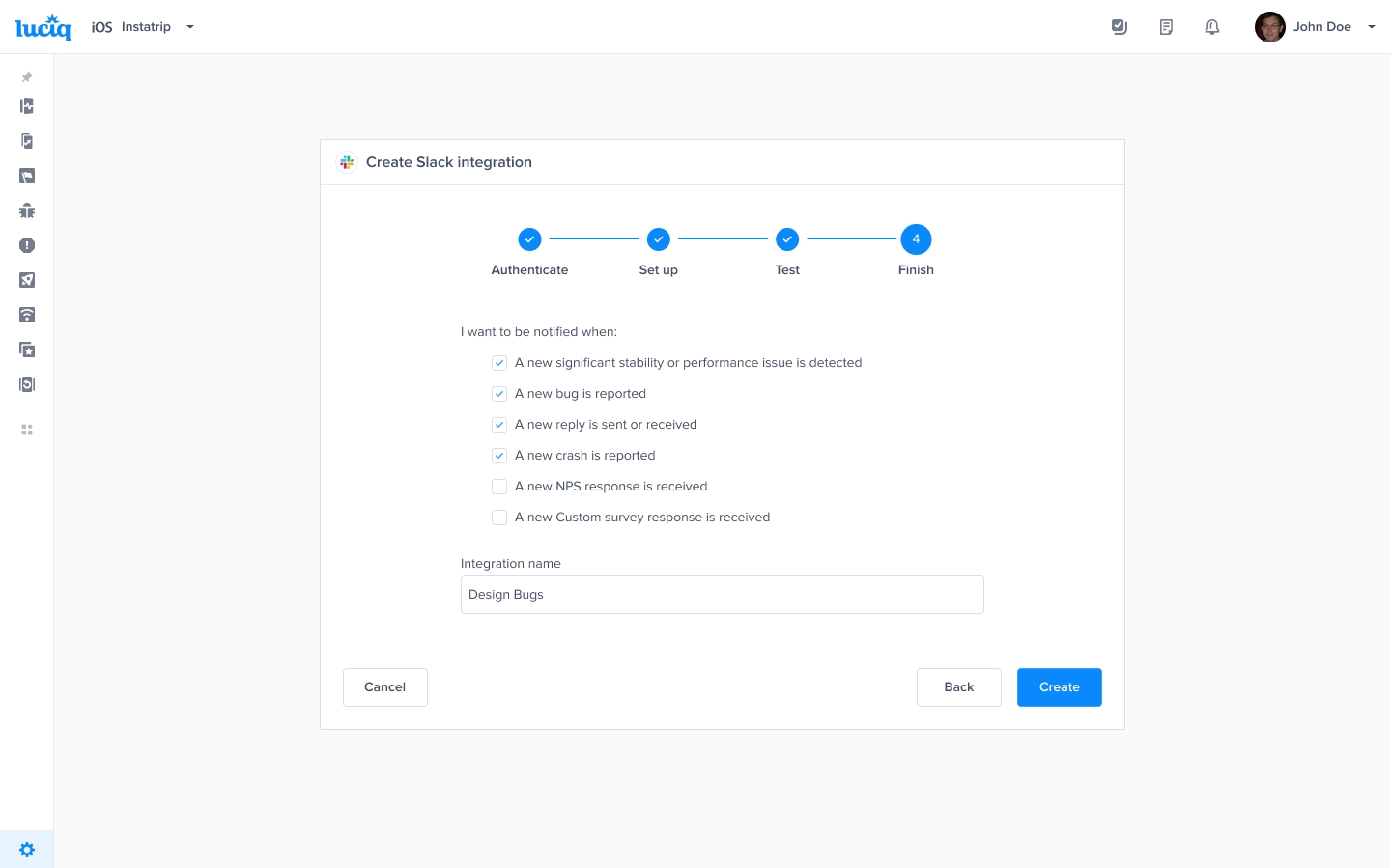
Finish setup

All done! Your integration is now set-up and ready to go. From this final page, you can allow automatic forwarding (don't worry though, this can be reconfigured at any time!)

Privacy

To learn more about our privacy policy, please visit the following link: Privacy Policy.

Last updated