FreshDesk

Never miss an issue from your clients by receiving messages and feedback right inside your FreshDesk dashboard.

1

Enter your Site URL and API Key

To get your API Key, go to your FreshDesk profile and get the key from "https://{domain}.freshdesk.com/profiles/{user_id}/edit".

Create FreshDesk - Authenticate - 3.png
2

Choose the Assignee and details to forward

From here you can choose the Assignee. You can also choose which details get forwarded.

3

Test the integration

At this point, test your integration so that everything is working smoothly.

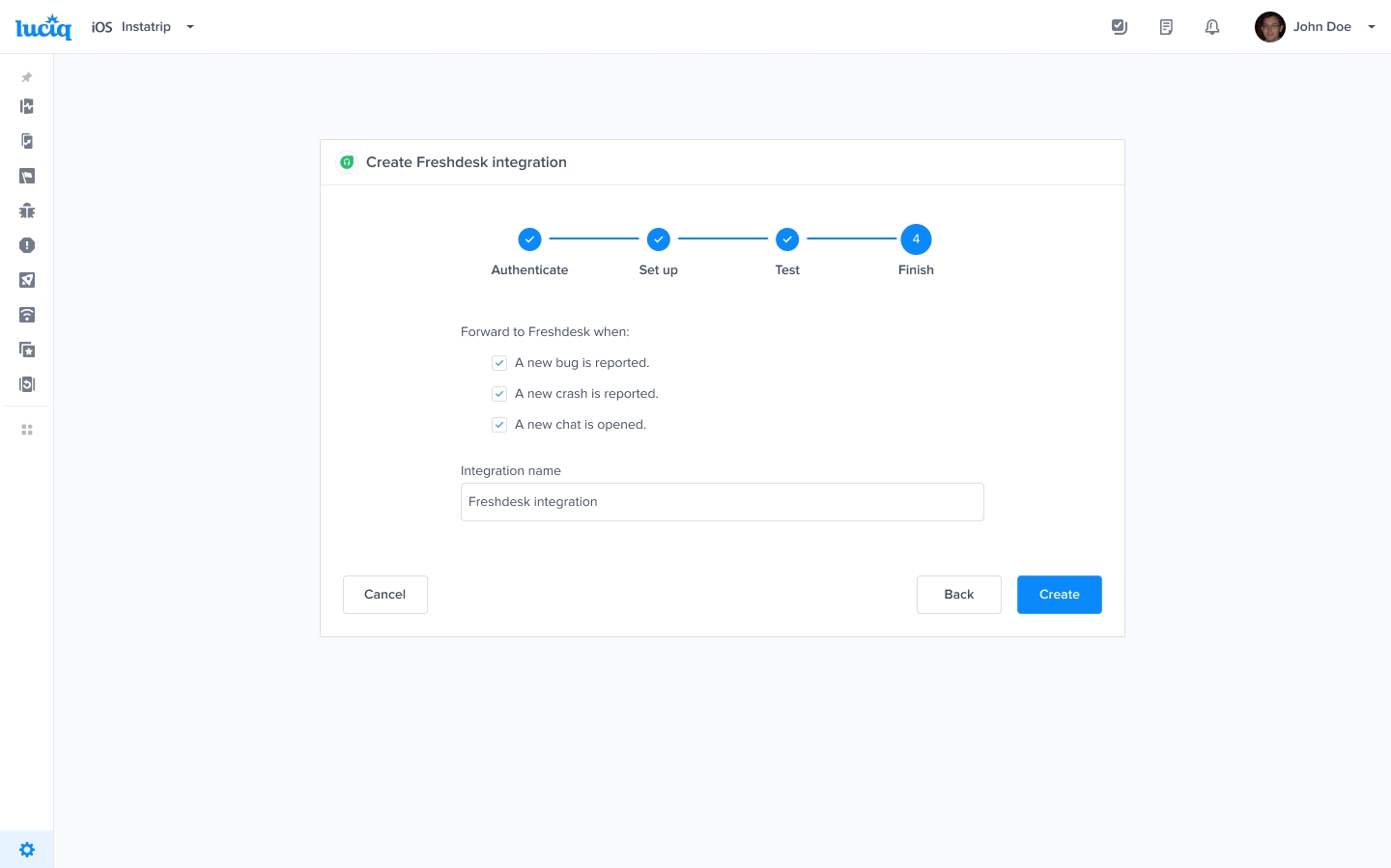
4

Finish setup

All done! Your integration is now set up and ready to go. From this final page, you can allow automatic forwarding (this can be reconfigured at any time).

Last updated