

Datadog
Visualize Luciq App Health in Datadog
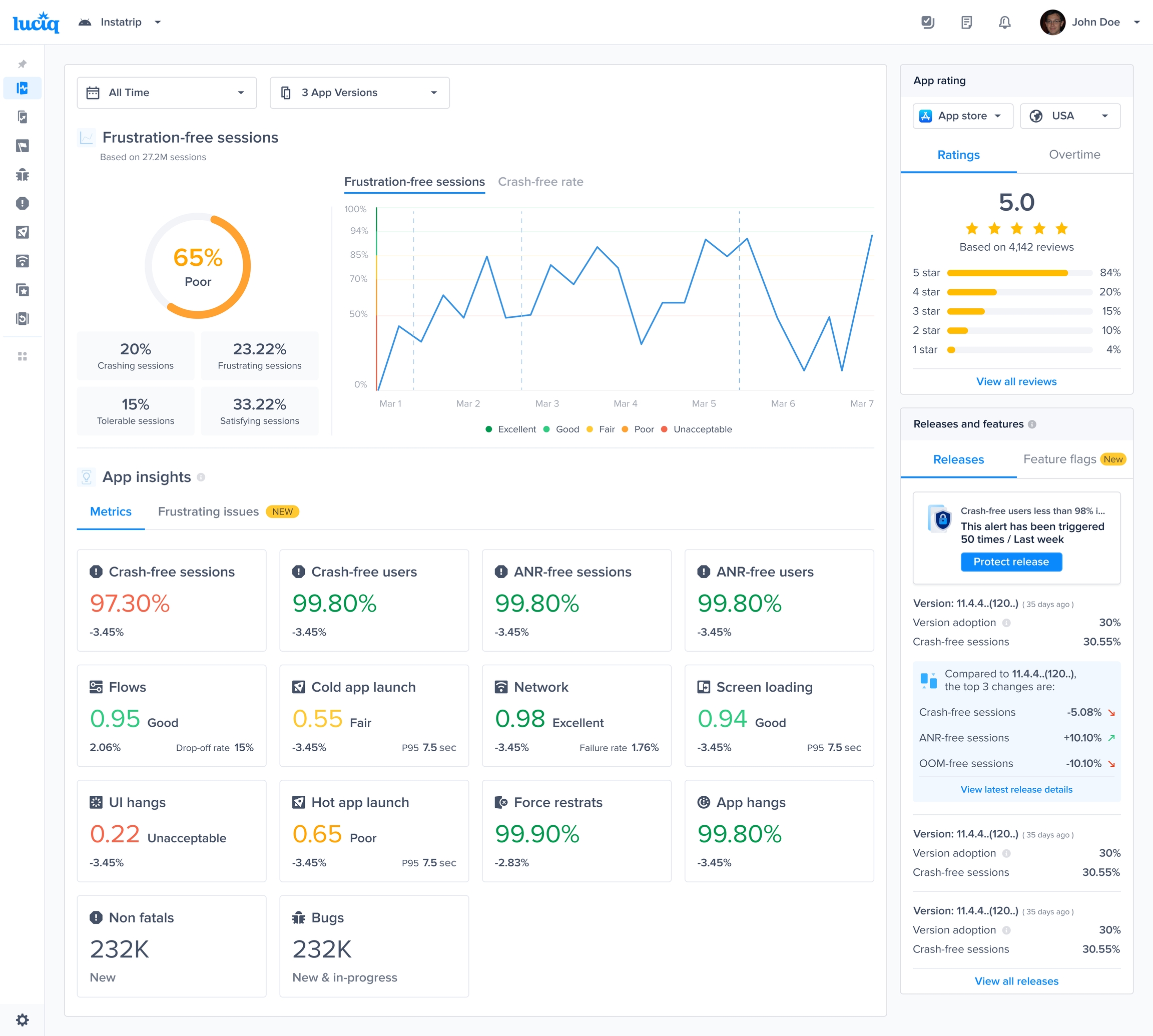
Easily monitor your app’s performance and stability directly within Datadog by using our prebuilt Luciq Blueprint. This guide walks you through setting up the integration via HTTP, allowing you to visualize app health metrics like crash-free sessions, frustration-free sessions, and more.
📌 Prerequisites
A Datadog account with access to App Builder.
An Luciq account with access to your project's App Health dashboard.
Luciq API token and email (reach out to [email protected] to obtain these).
🛠️ Steps to Set Up the Integration
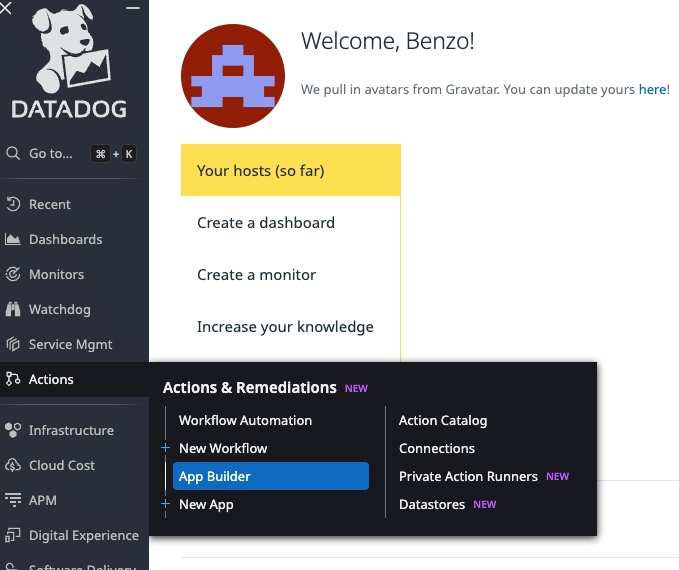
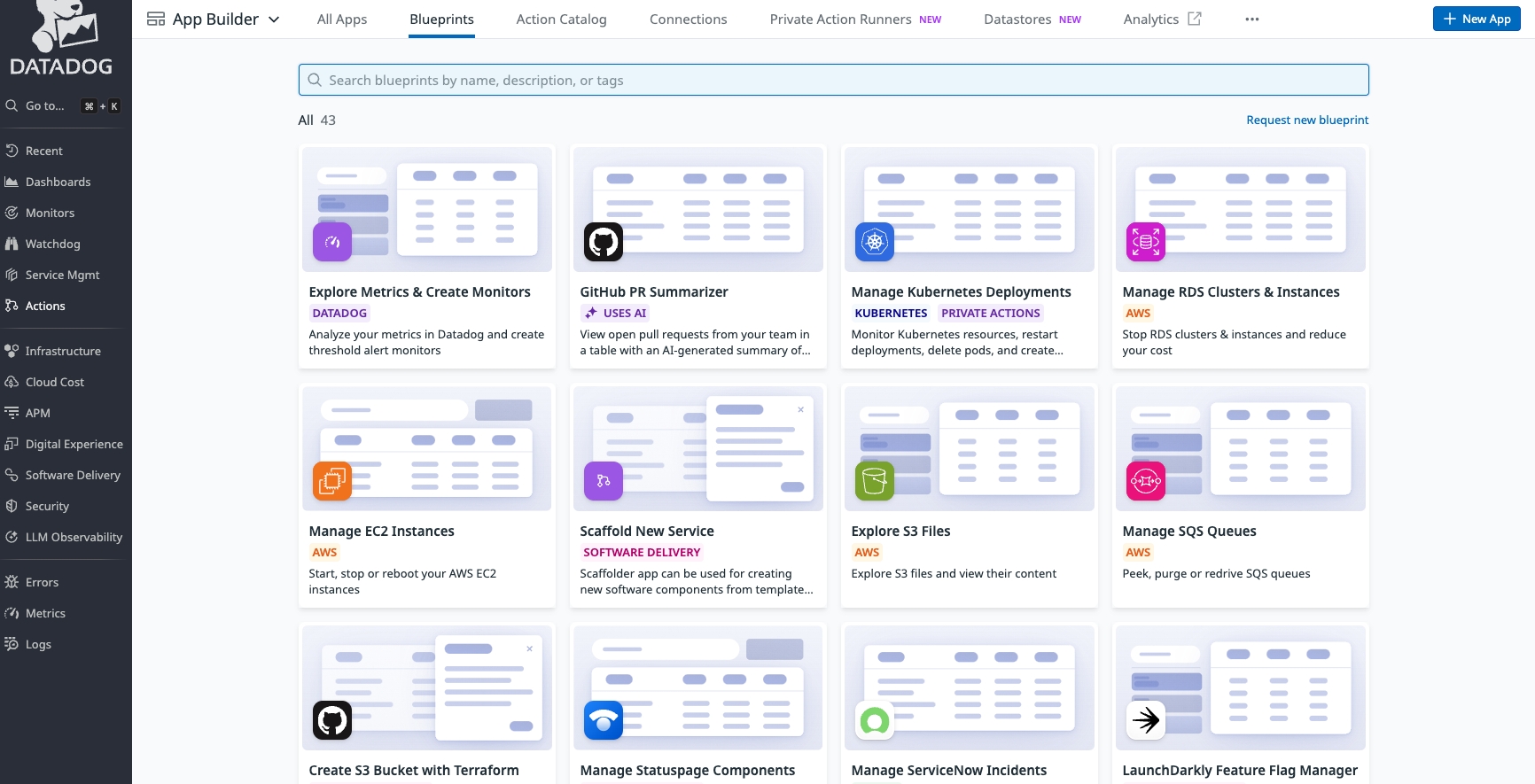
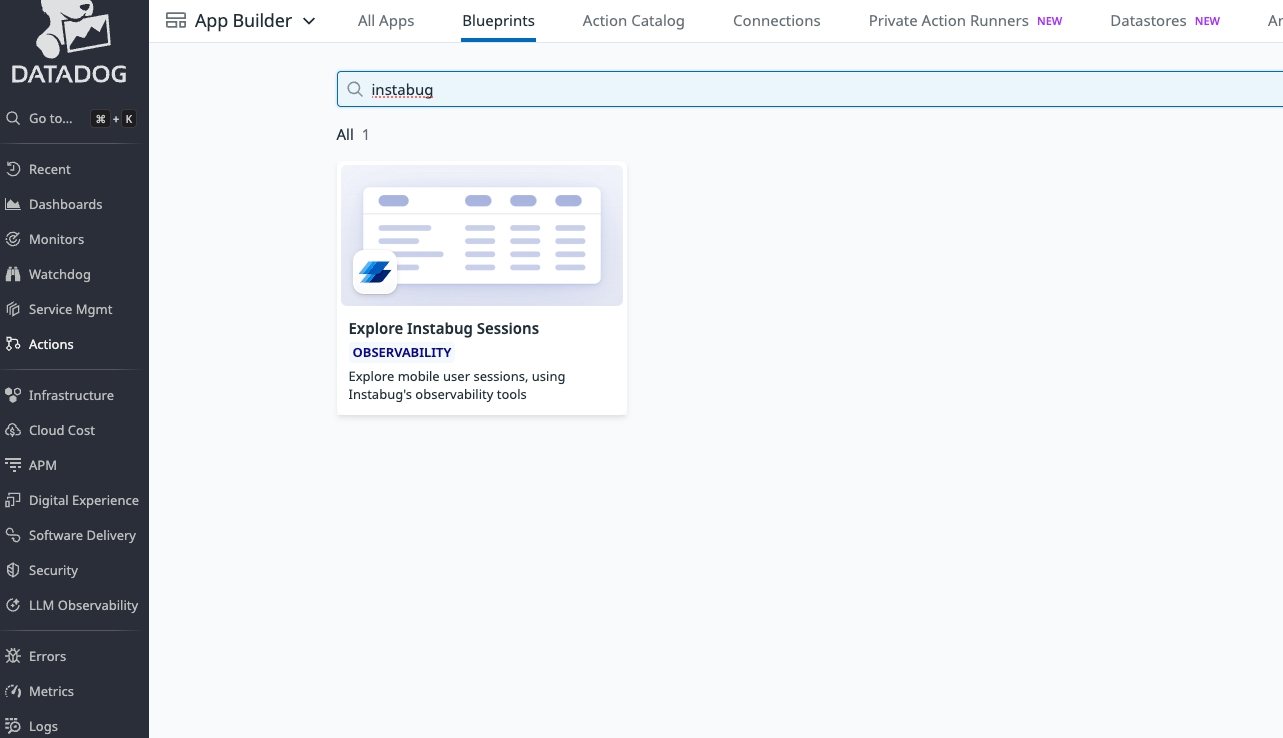
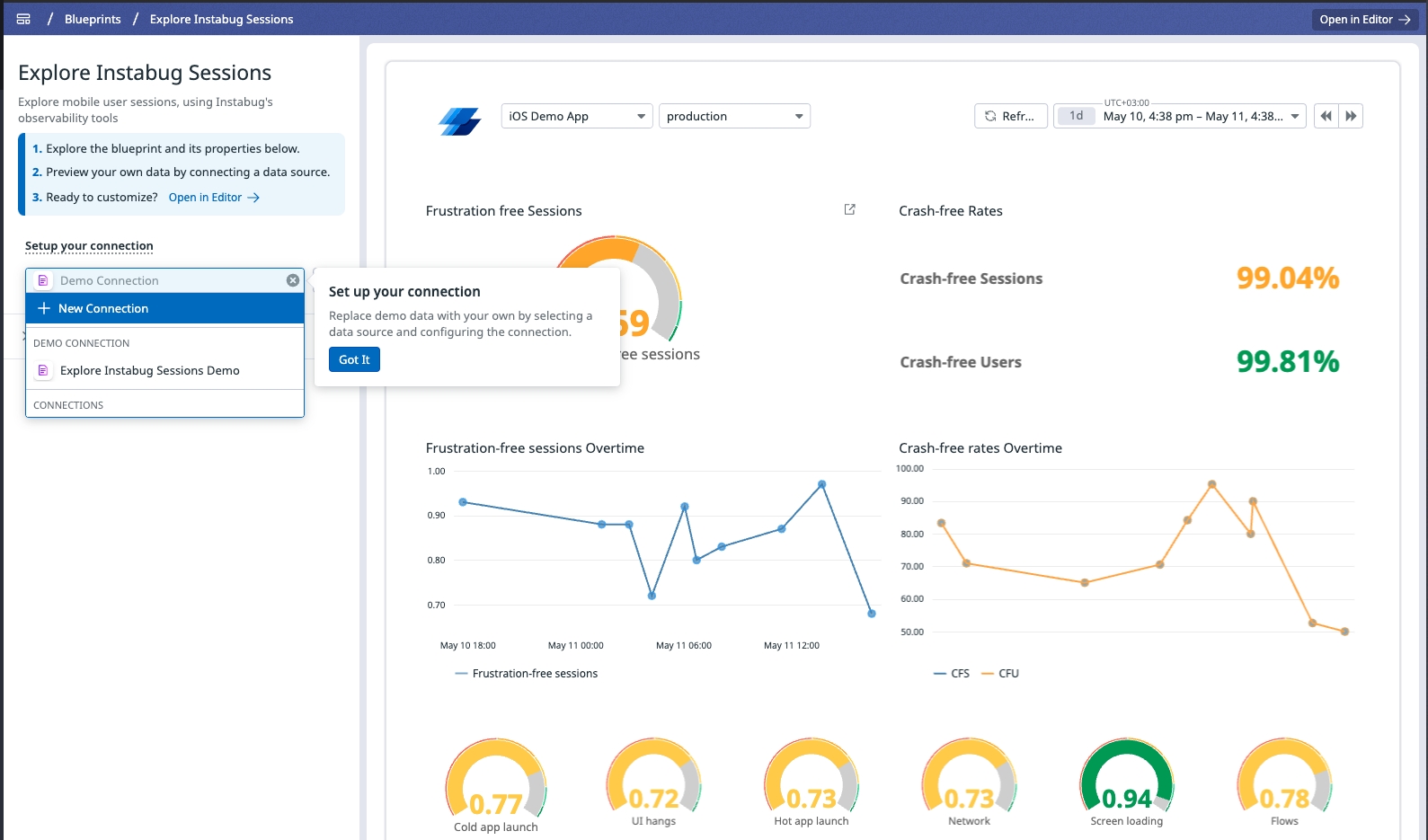
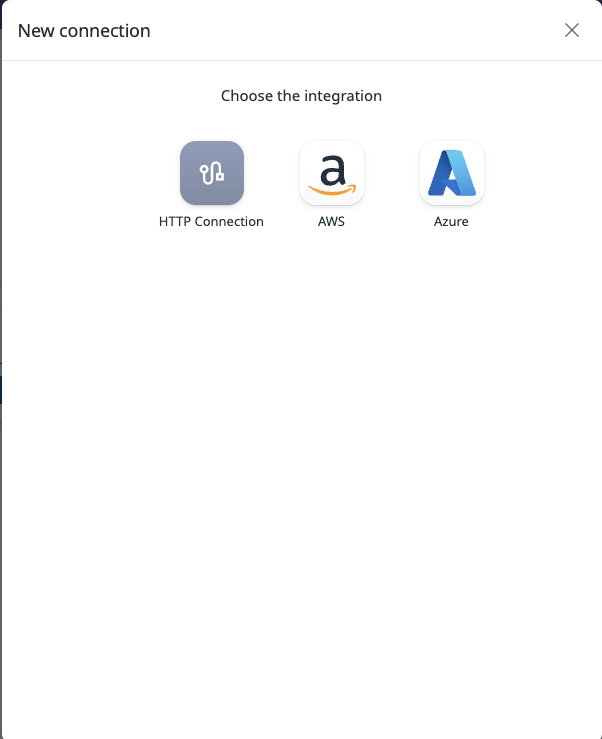
Fill in Connection Details
In the modal, enter the following:
Base URL:
https://dashboard-api.instabug.comAuthentication Type:
Token AuthAdd two token fields:
token→ Luciq API tokenemail→ Your registered Luciq email
Then under Request Headers, add:
authorization: Token token="{{ token }}", email="{{ email }}"
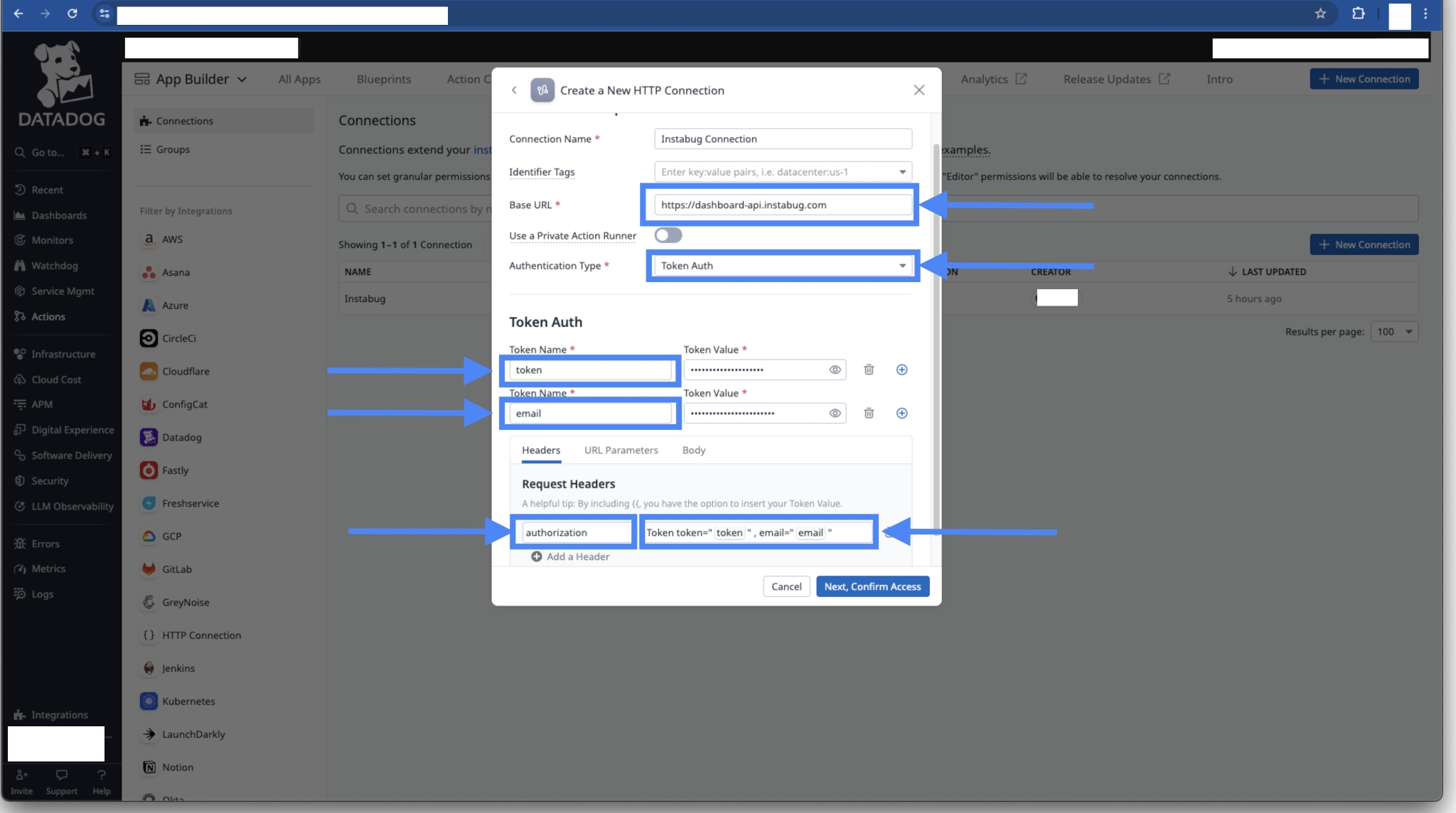
Click Next, Confirm Access.
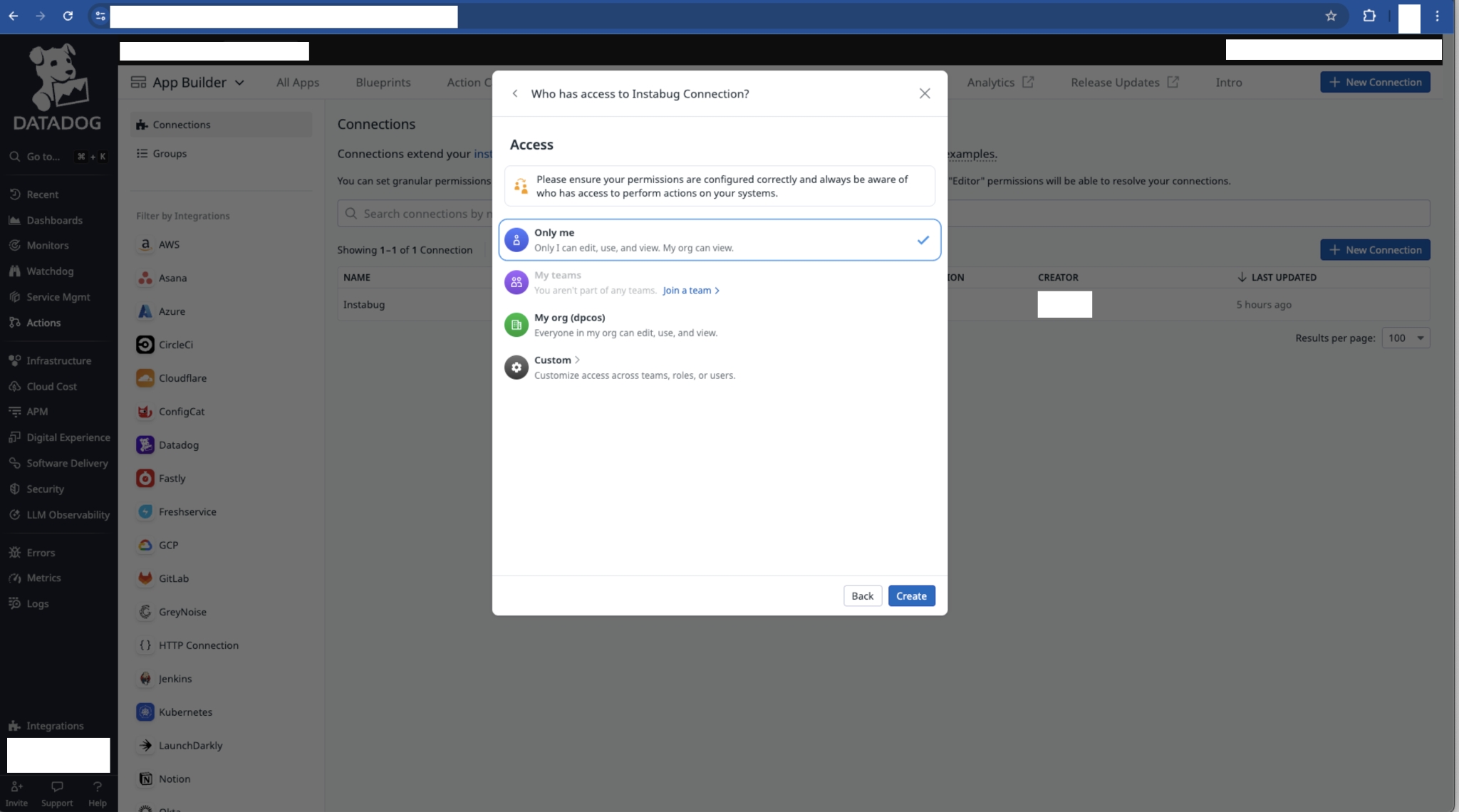
✅ You’re Done!
Once the connection is active, Datadog will begin visualizing live Luciq metrics like:
Crash-free sessions
Frustration-free sessions
Session breakdowns over time
You can now fully monitor app health using Datadog’s native dashboards powered by Luciq data.
🧠 Need Help?
If you run into issues, please reach out to [email protected] or your dedicated CSM.
Last updated