

Launchdarkly
Integrate Luciq with Launchdarkly
With the integration, you will be able to monitor and control your feature flags from within Luciq in addition to various automations that can be set up on feature flags.
SDK Setup
Whenever you use a feature flag in Launchdarkly, make sure to call Luciq’s addFeatureFlag API, explained here. This ensures that any feature flags in any session are correctly counted and monitored from both within Luciq and Launchdarkly.
Example of the code snippet
Another approach would be using the following snippet which allows Luciq to listen to all feature flags coming of Launchdarkly’s client. However, this may result in inaccurate data if you are not using the same enabled feature flags in you code.
Dashboard Setup
Within the Settings tab, you will find Launchdarkly integration in the list of integrations available.
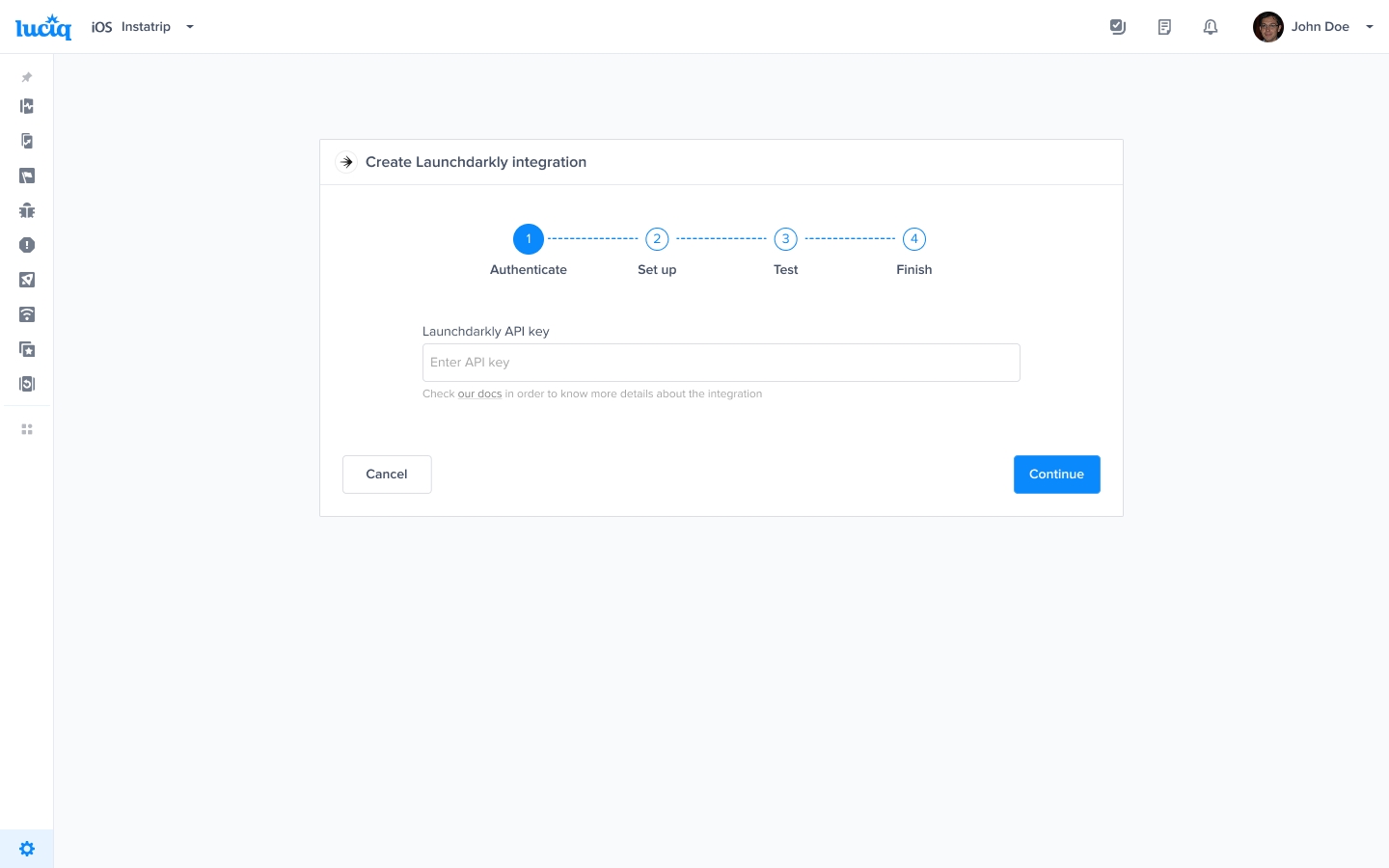
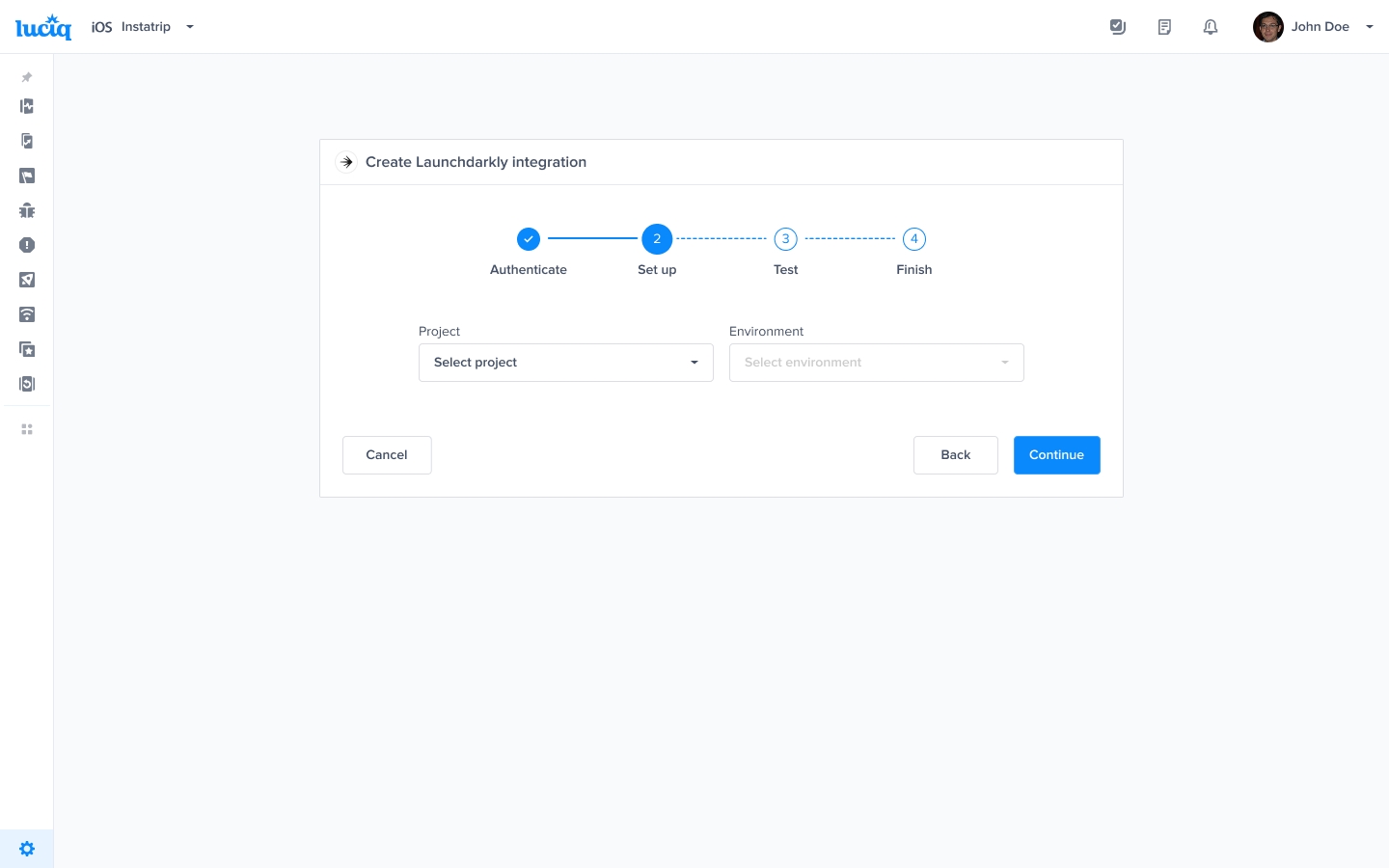
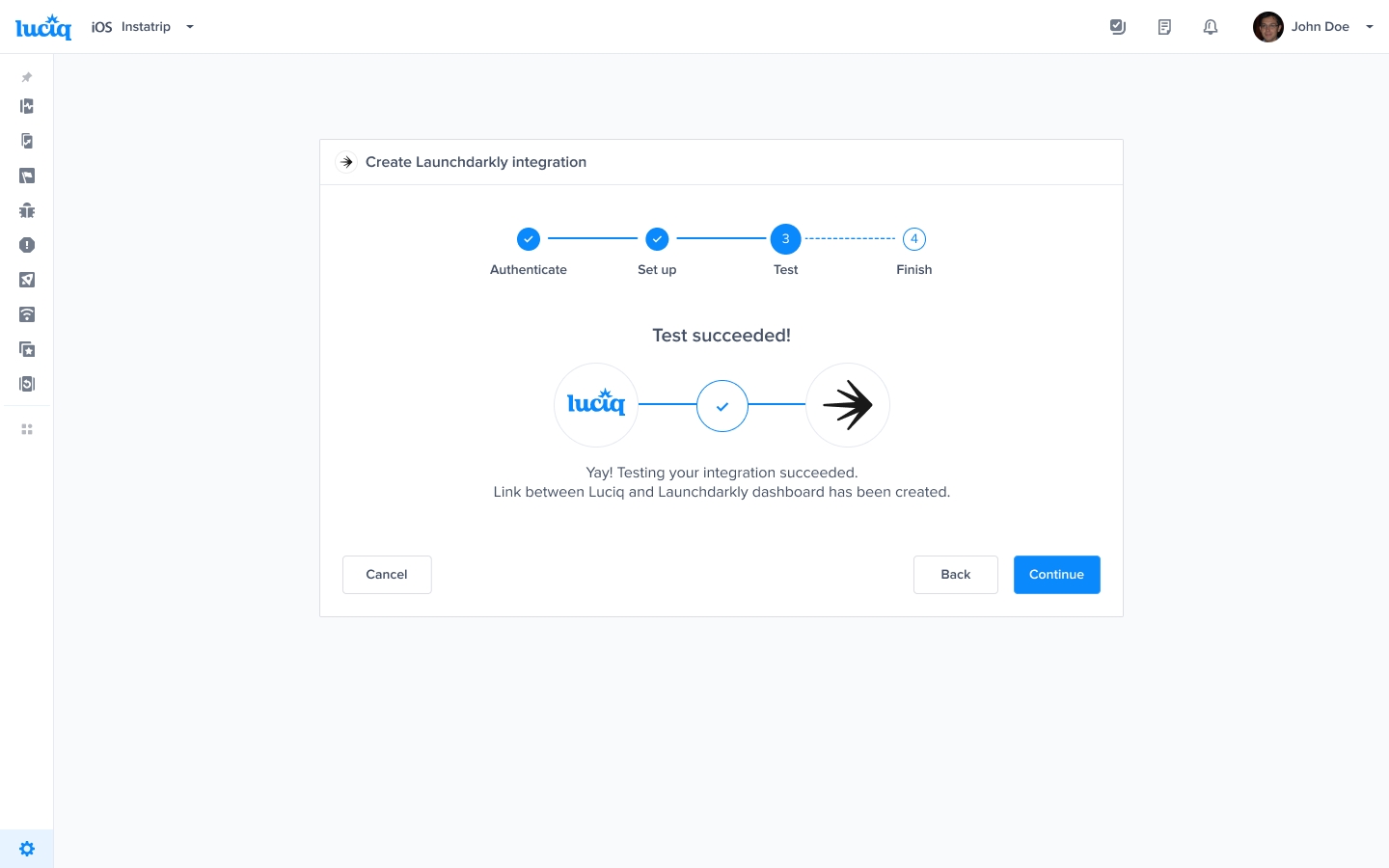
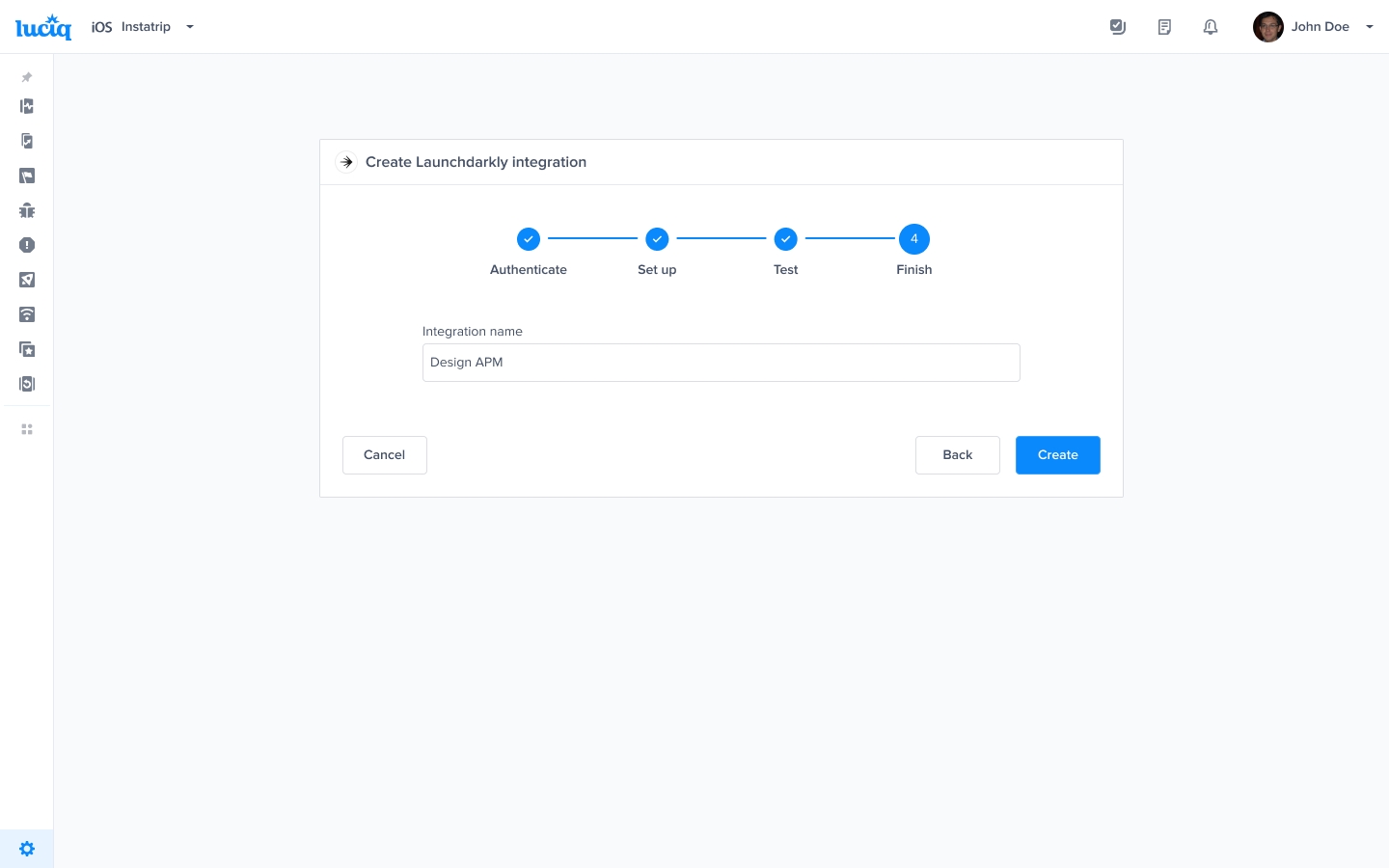
Control Feature Flags
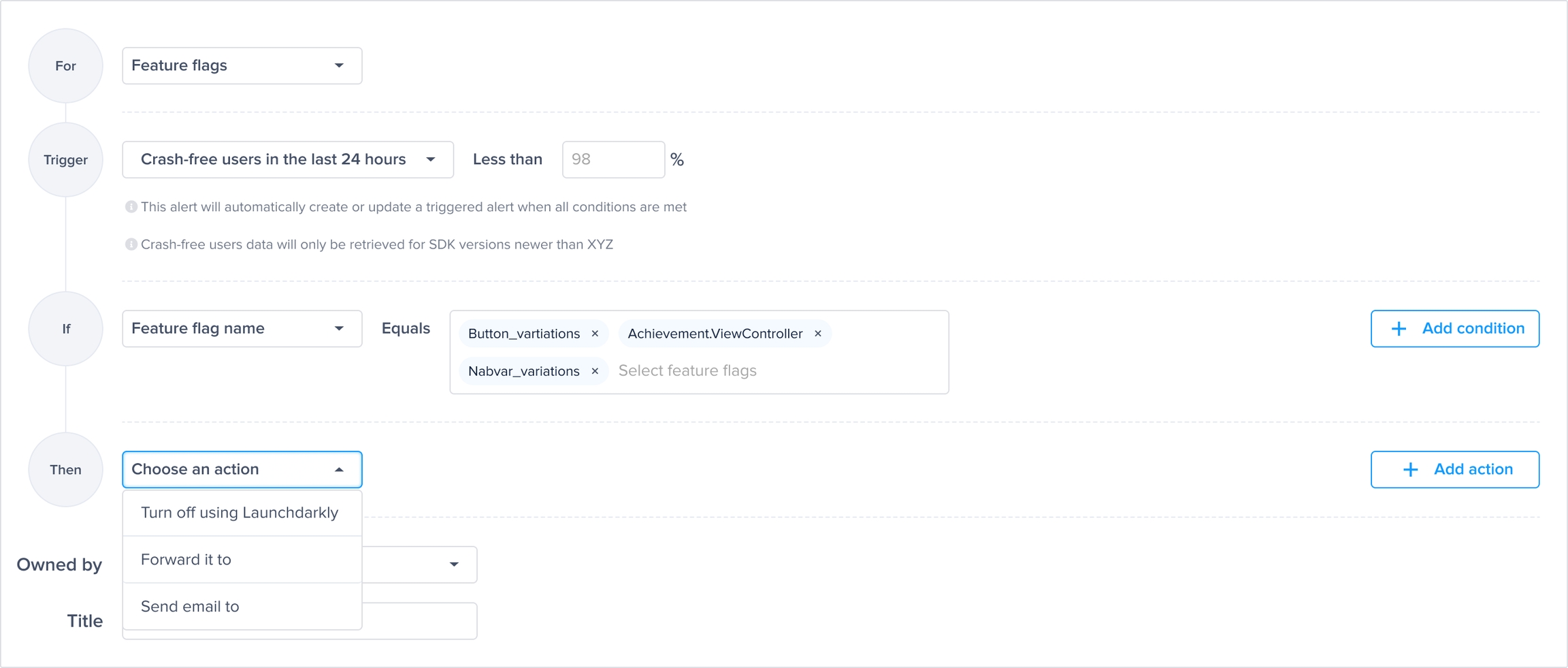
After the setup, you can now create rules on a specific feature flag to turn it off whenever it passes a certain threshold of a specific metric.
Get Launchdarkly API token
Go to Settings → Authorization page: https://app.launchdarkly.com/settings/authorization
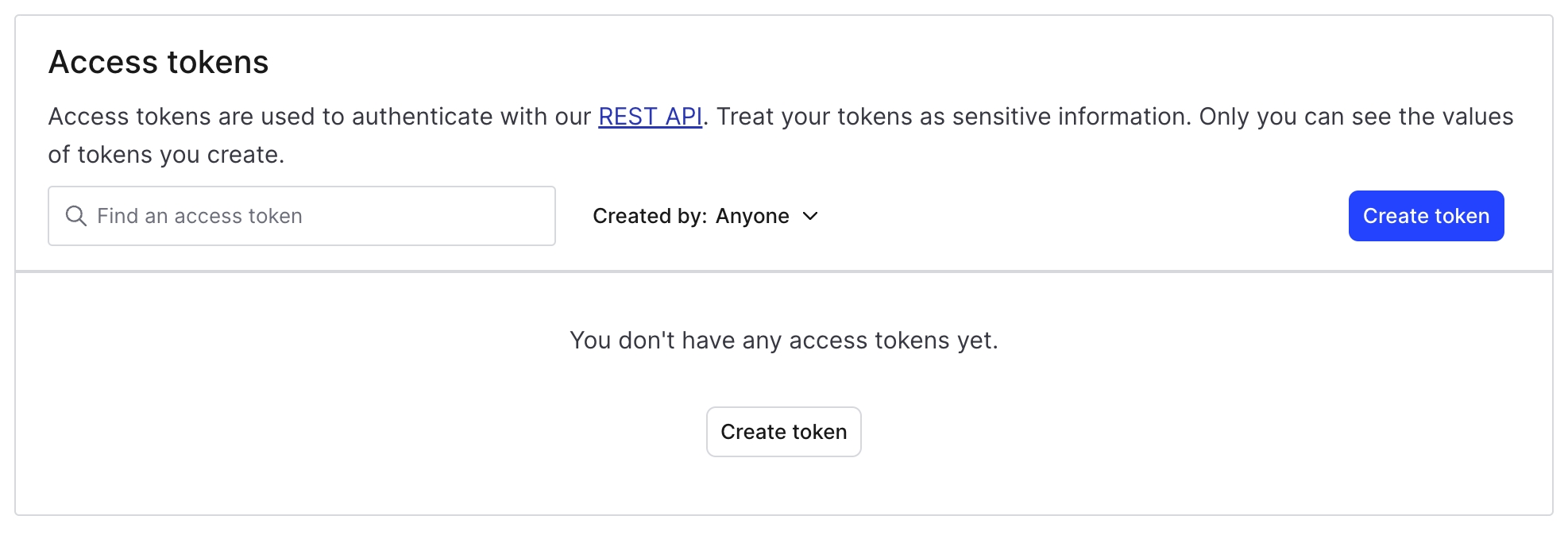
From Access Tokens section, click create token.
Enter the integration name, make sure to select Writer role, and select API version to 20240415, then Save.
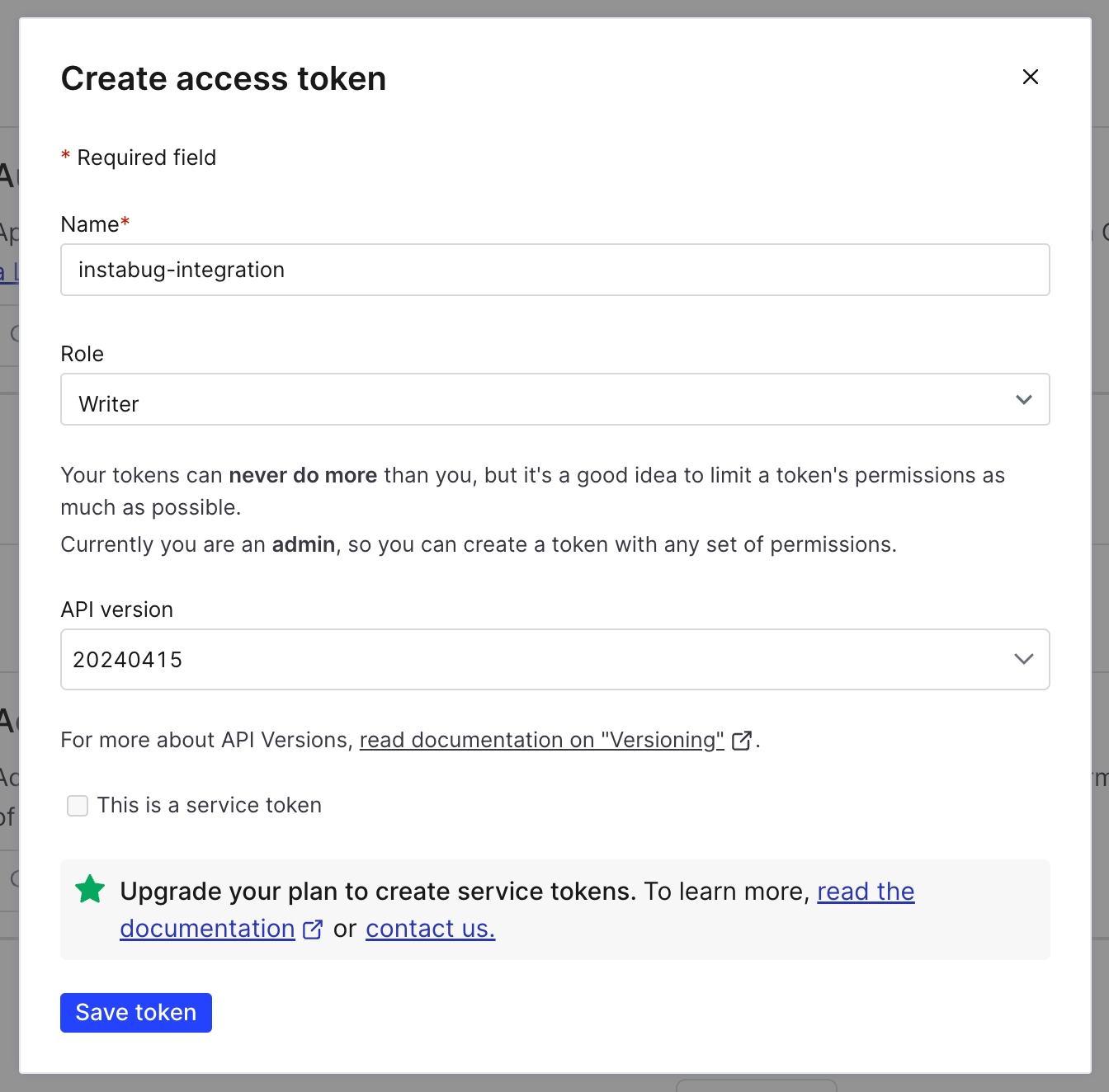
Copy the generated token before leaving the page, to use it in integration step.
Last updated