

DynaTrace
Overview
The new Luciq integration with Dynatrace enables end-to-end tracing for network calls, connecting client-side and server-side monitoring for your network requests. By using a unique trace ID, you can follow any network request from the client to the server, providing insights for troubleshooting networking issues.
Prerequistes
Dynatrace
To use this integration, ensure the following prerequisites are met in your Dynatrace setup:
Supporting for W3C Context Propagation: Have W3C enabled. W3C Trace Context support is available as an Early Adopter Release (no registration required) beginning with Dynatrace version 1.180.
You can enable this on Dynatrace through Settings > Server-side service monitoring > Deep monitoring > Distributed tracing.
Luciq
Supported Platforms: This integration is only supported for iOS and Android.
Luciq SDK Version: Ensure you have a minimum SDK v13.2.0 or higher on either iOS or Android.
Integration Steps
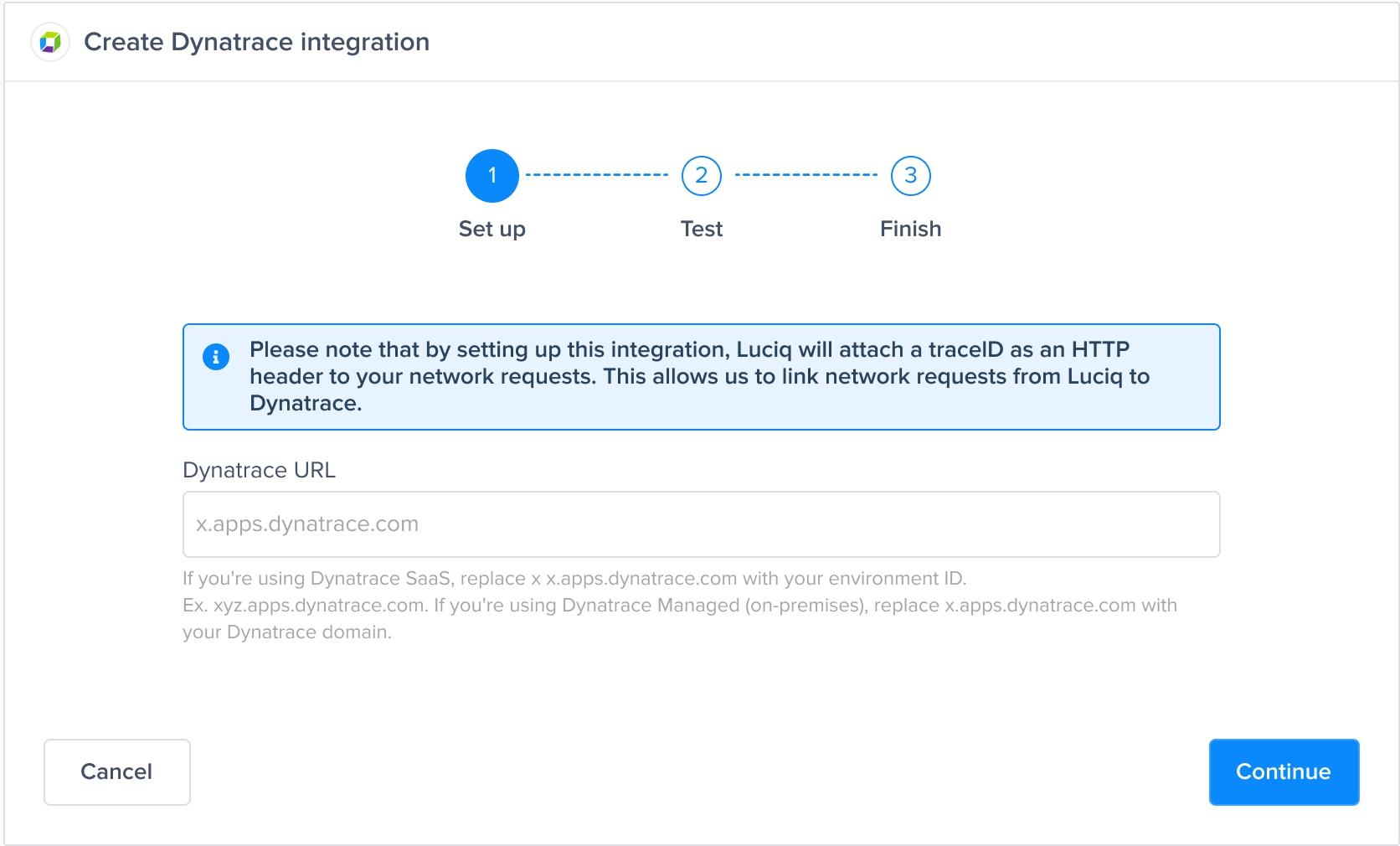
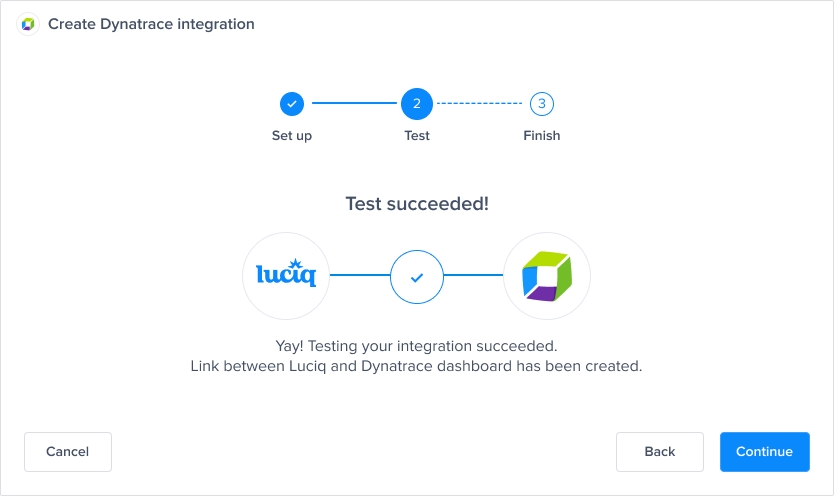
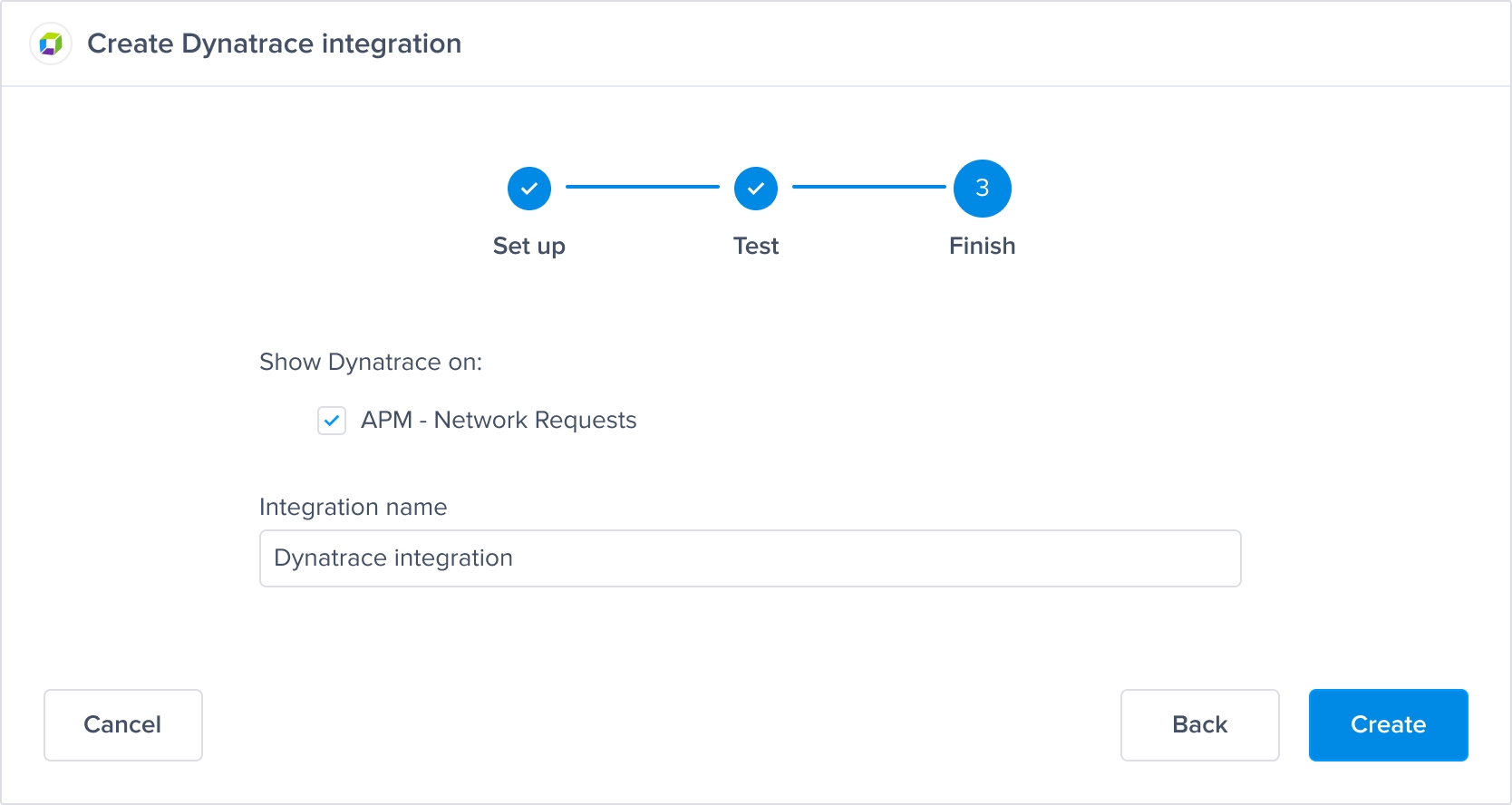
Go to Settings -> Integrations -> Dynatrace in your Luciq dashboard, and follow these integration steps:
Using the Integration
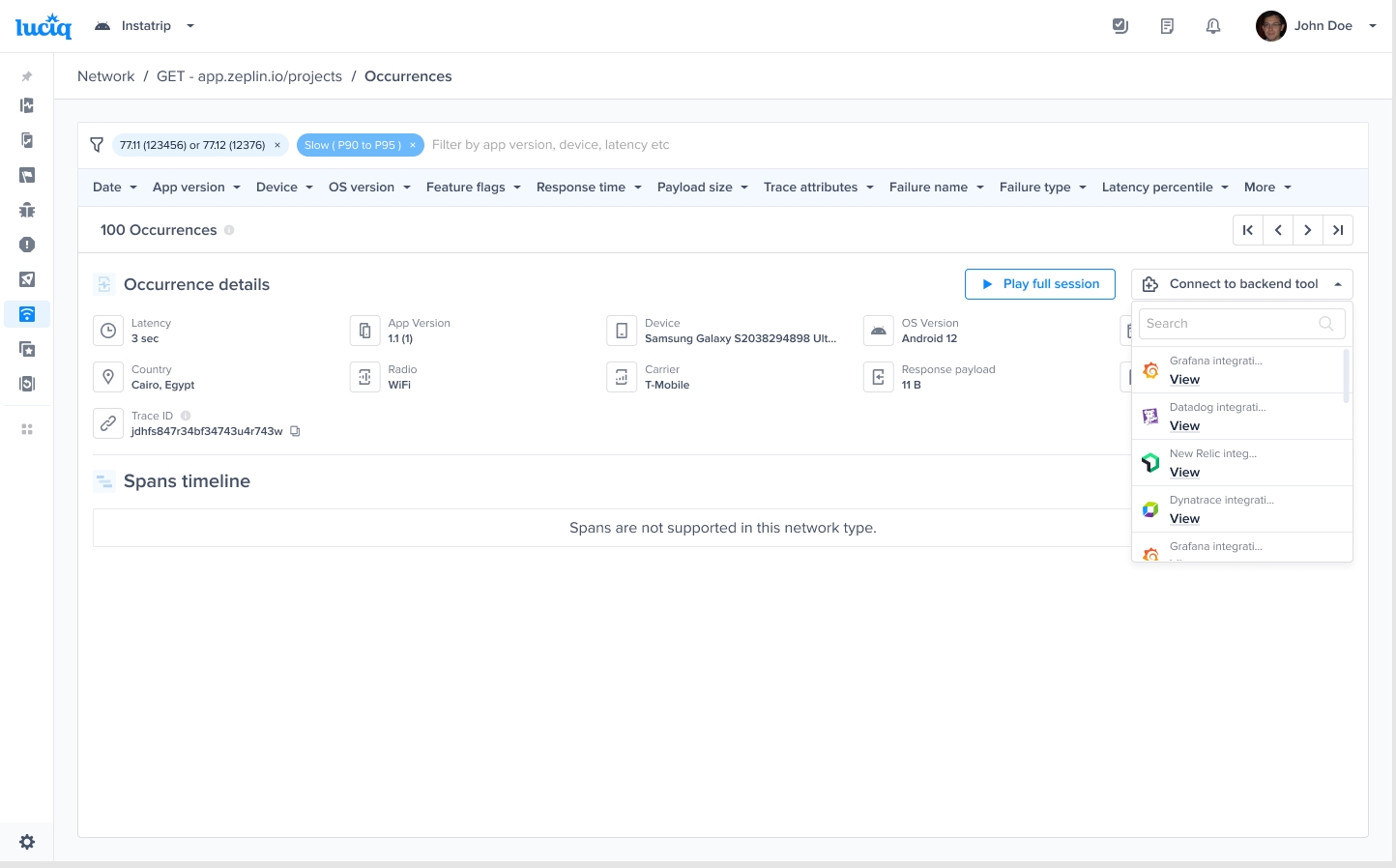
When a network occurrence is logged, a unique trace ID will appear on the occurrence page in the Luciq dashboard.
Navigate to any network occurrence received after you created the integration, click on “View on Dynatrace” to view the same network occurrence on your Dynatrace dashboard.

Last updated