

Report Types & Content
This page covers the content found in the reports sent to the bugs page of your dashboard and relevant APIs for your iOS apps.
Report Types
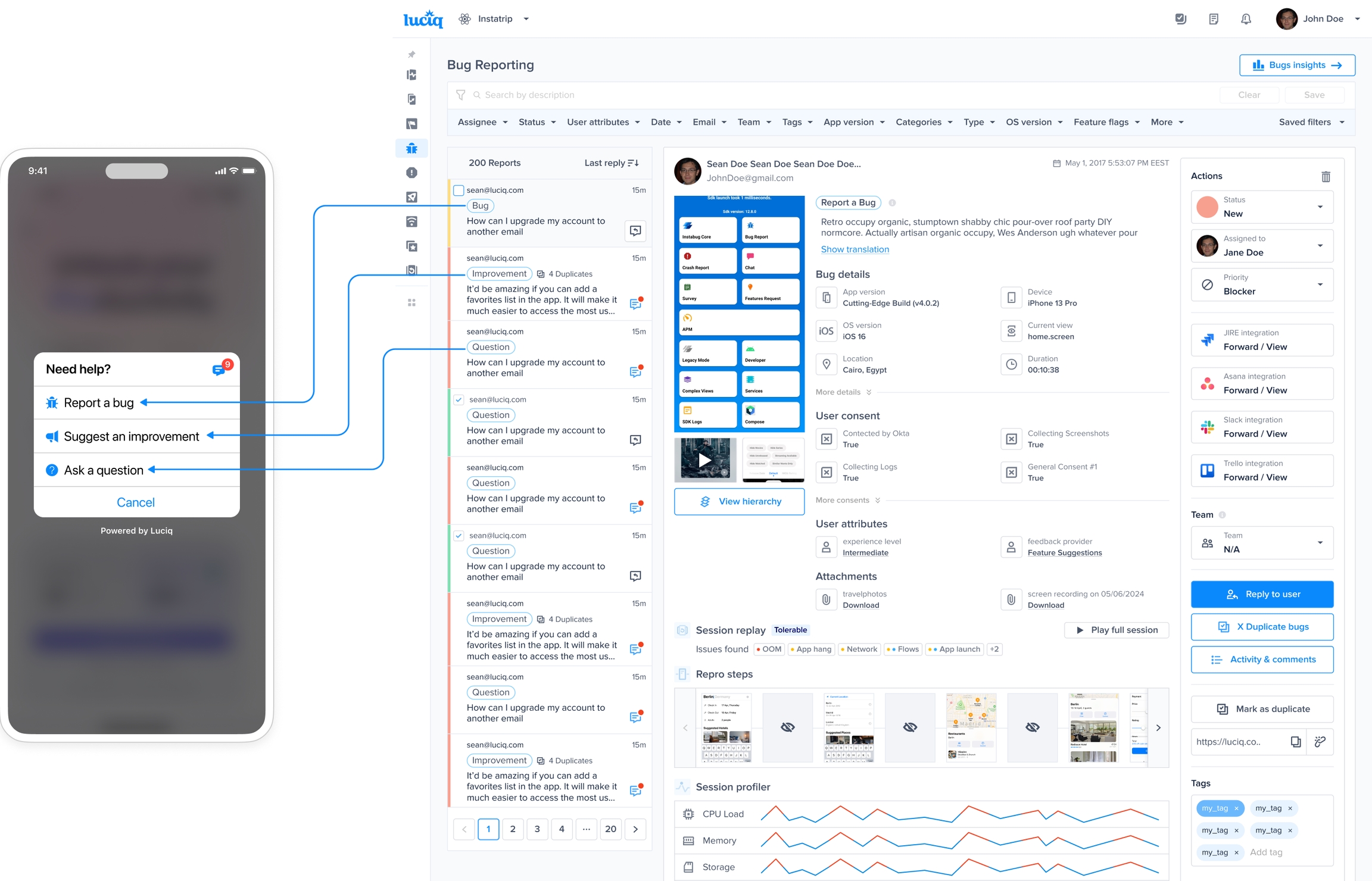
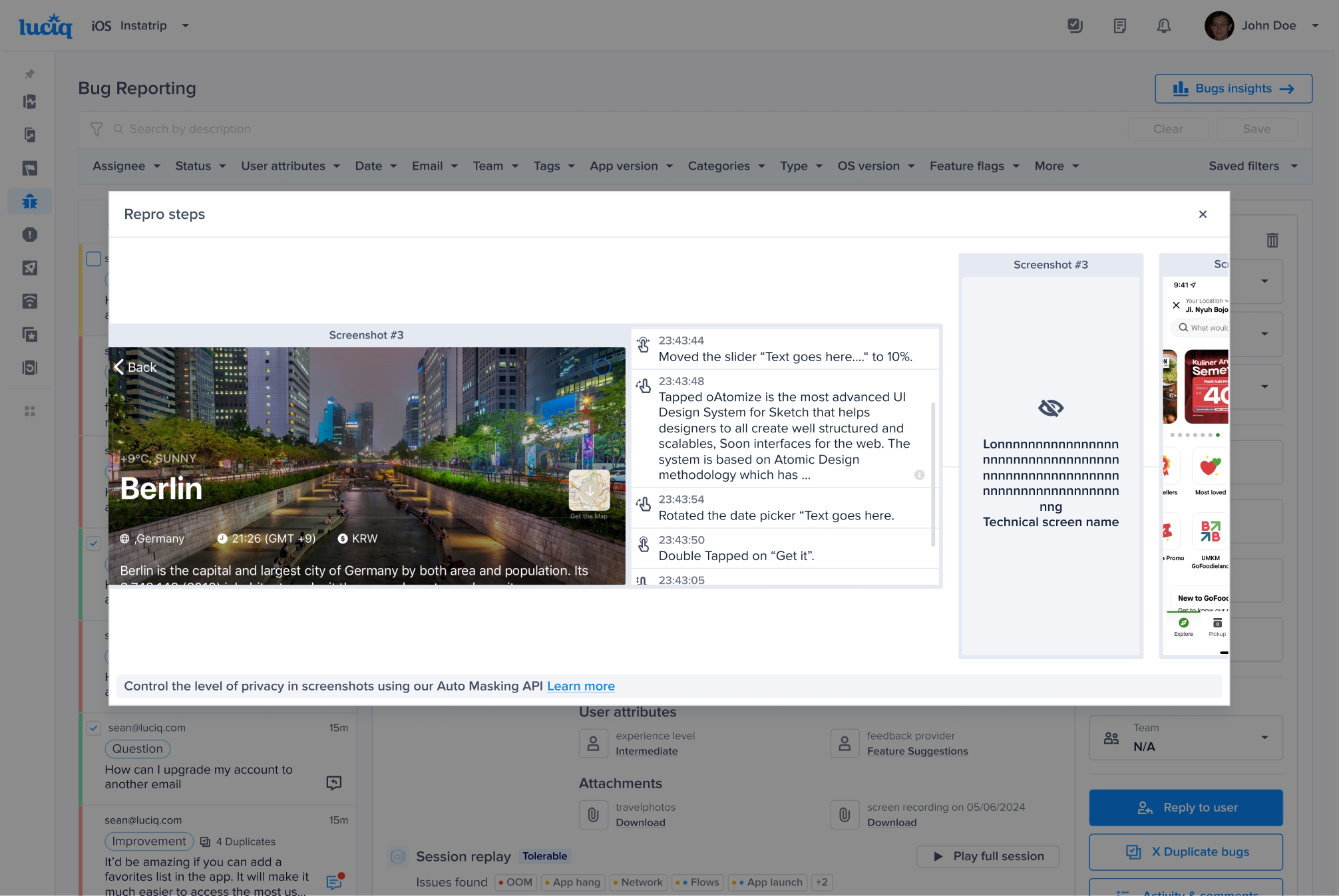
There are three different types of reports that, while function similarly for the end-user, appear with different types on the dashboard in order to easily separate between incoming issues. All three types will reach your dashboard with the same amount of information and can be filtered so that you can look at specific types only.
Bug
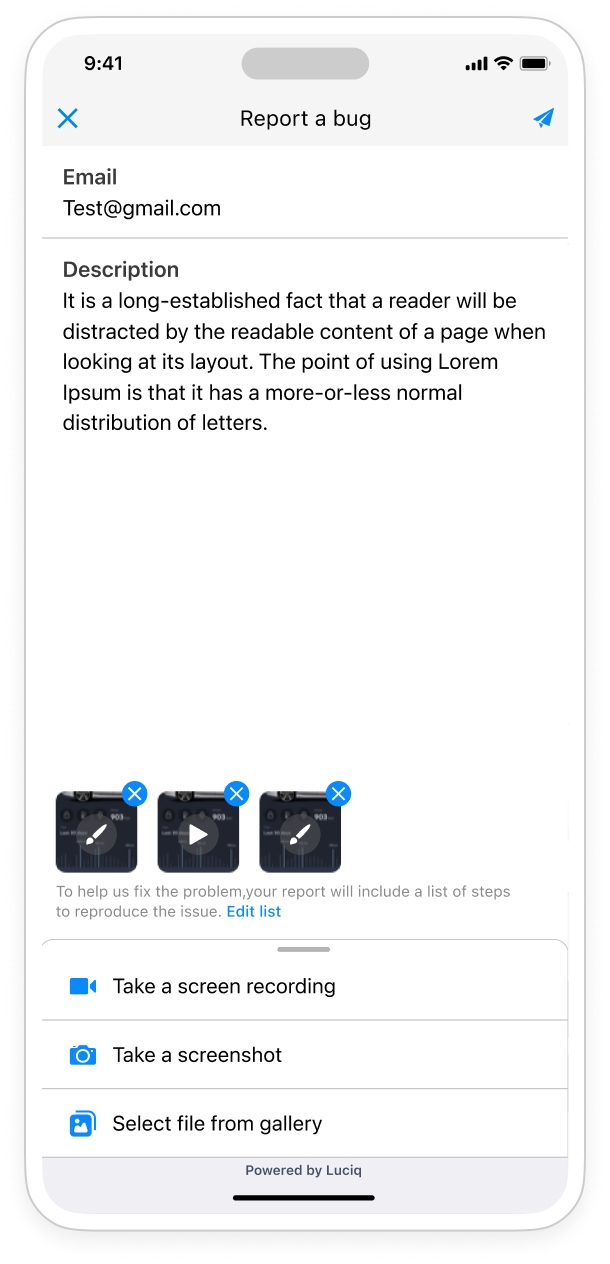
When the user selects "Report a bug" from the prompt options, the sent report will appear with type Bug. This type of report is primarily meant for reporting bugs that were found in the application.
Improvement
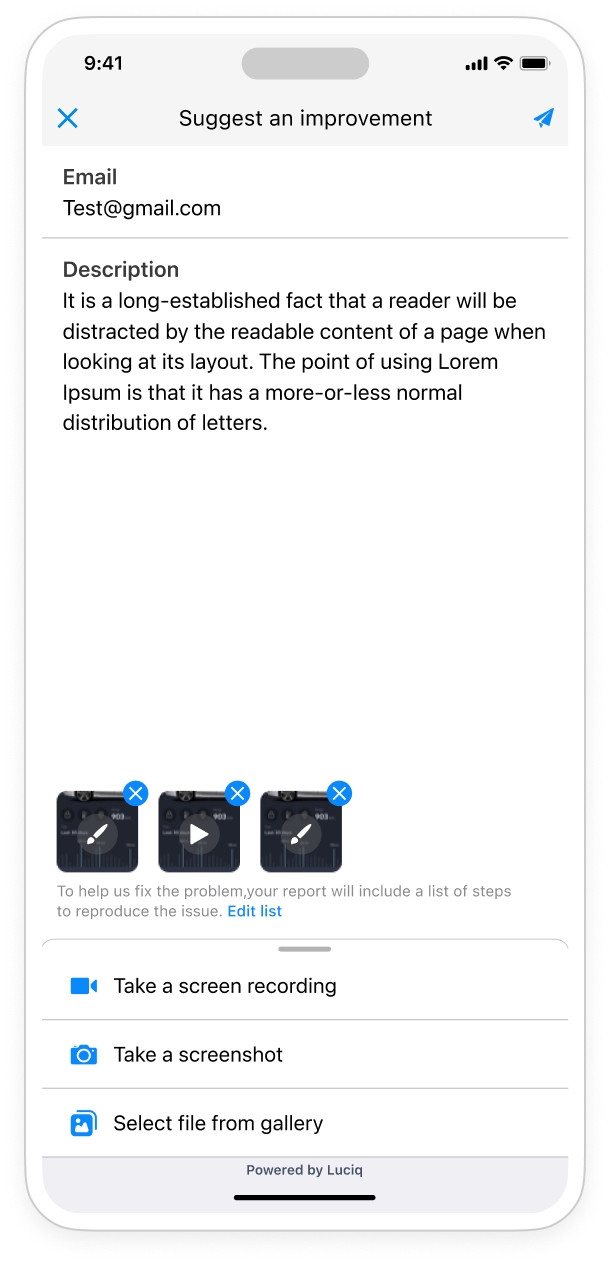
Selecting "Suggest an improvement" from the prompt options will open the improvement suggestion form that your user can use to give you feedback on how you can improve the application in certain areas. These reports are shown on the dashboard with type "Improvement".
Question
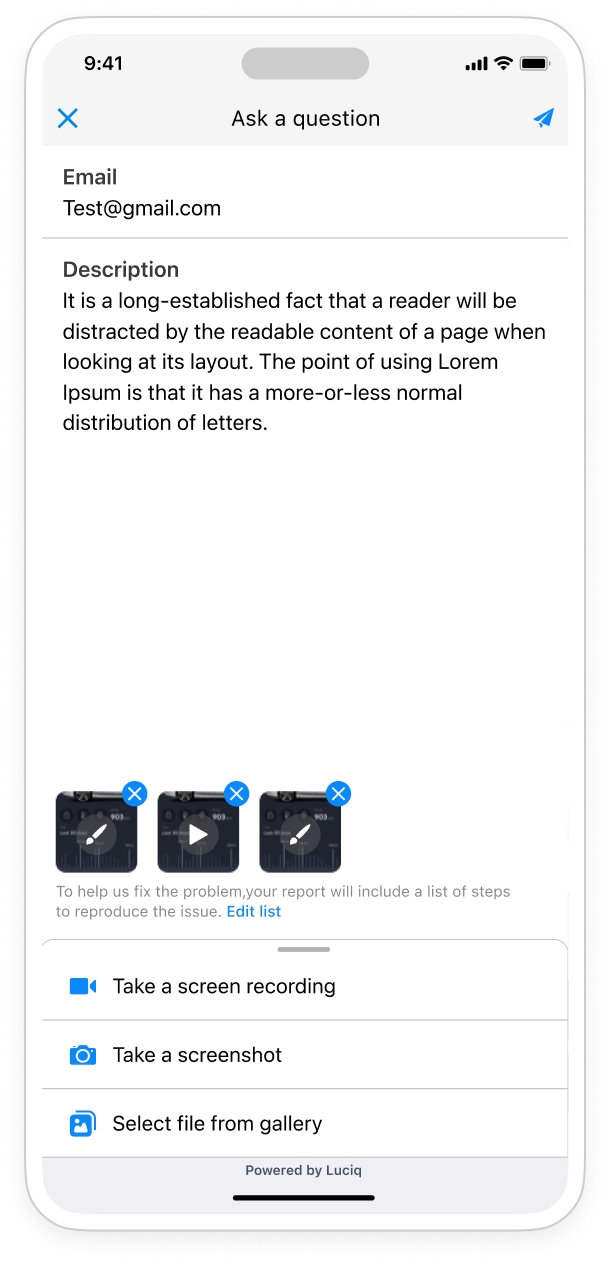
The third option in the prompt options is "Ask a question". The purpose behind this option is for users that don't quite have a bug or an idea for an improvement, but rather a question they'd like to ask you. These show on your dashboard with type "Question".
Last updated