For the complete documentation index, see llms.txt. This page is also available as Markdown.

Network Log Masking

Network obfuscation and masking take place on the client side; masked data is never sent to the servers. There are two layers: automatic masking of known-sensitive keys, and manual obfuscation/omission controlled by the developer.

Automatic header & query-parameter masking

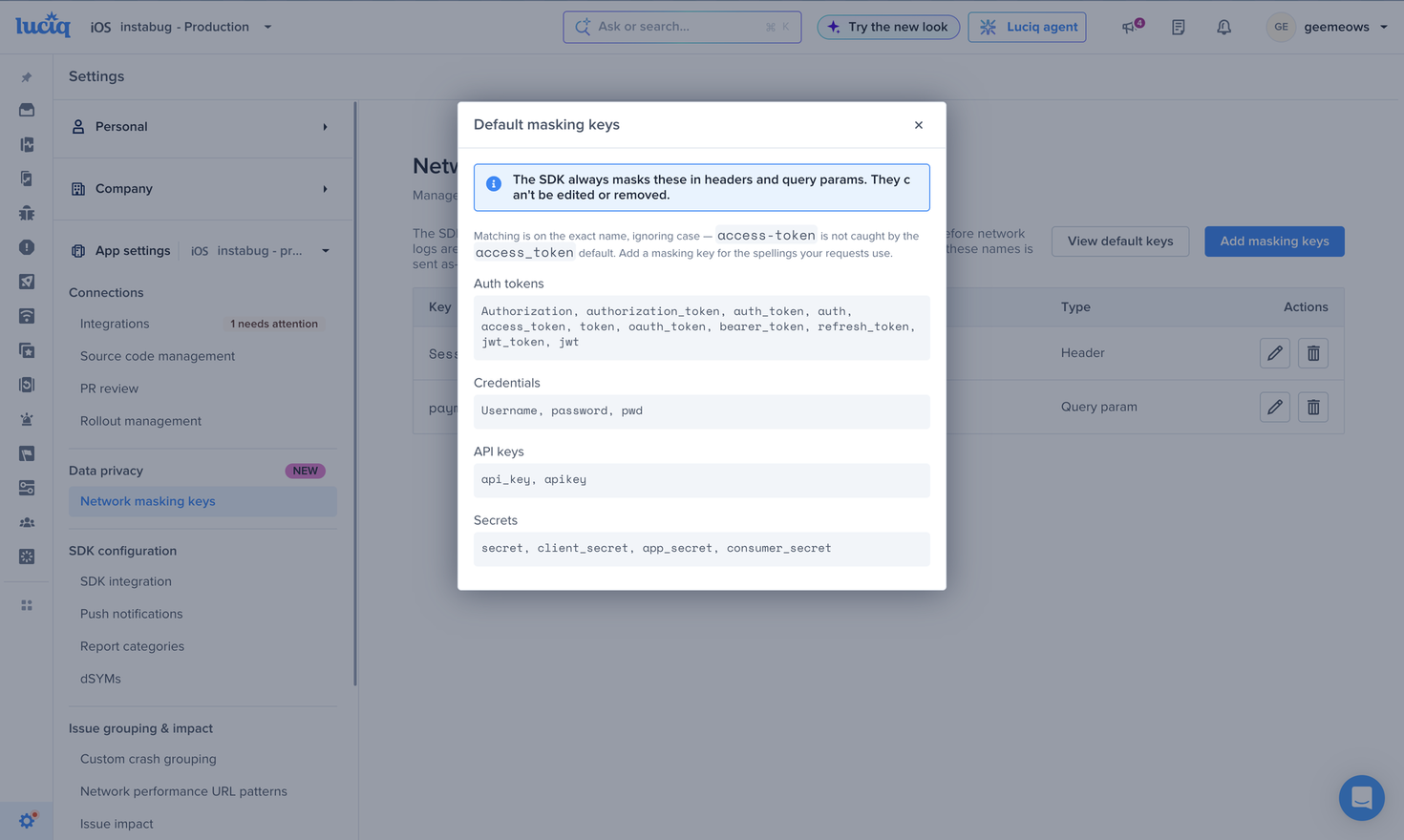
Starting with SDK version 14.2.0, the SDK automatically masks a defined set of keys from network headers and query parameters so that no sensitive value reaches the servers. The key name is still shown on the dashboard, but its value is replaced with an asterisk (*). This feature is enabled by default and is strongly recommended to stay enabled.

Category
Keys masked (value replaced with *)

Authorization

Authorization, authorization_token, auth_token, auth , access_token, token , oauth_token, bearer_token, refresh_token, jwt_token, jwt

Login

username , password, pwd

API keys

api_key, apikey

Secrets

secret , client_secret, app_secret, consumer_secret

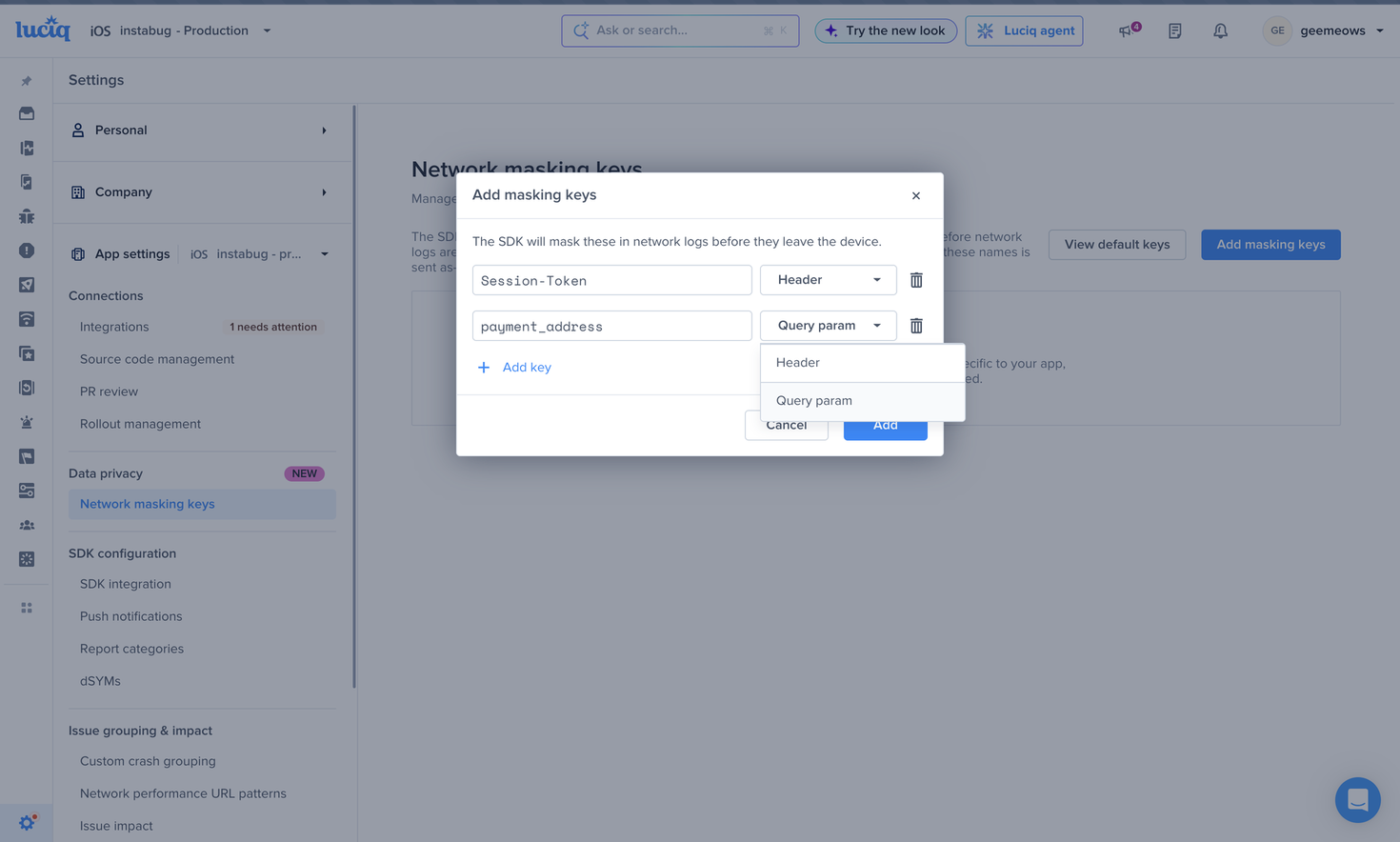
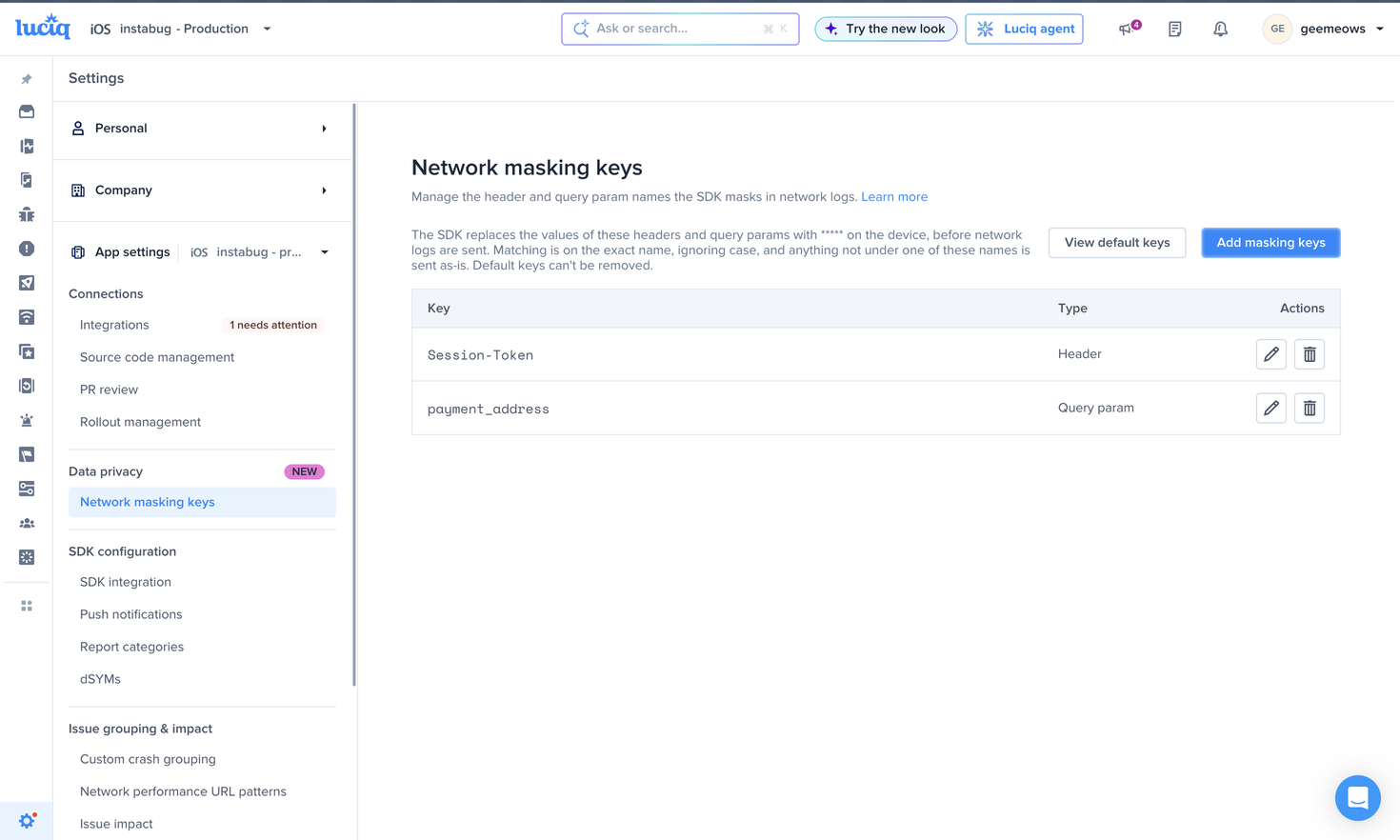
Adding keys: The masked-key list is configurable server-side. New keys can be added without any code change and apply from the next session — the list is managed by Luciq support (not self-serve); contact support to extend it.


Enabling / disabling automatic network masking

Although enabled by default, automatic network masking can be turned off per platform if absolutely necessary:

Kotlin

Instabug.setNetworkAutoMaskingState(Feature.State.DISABLED)

Java

Instabug.setNetworkAutoMaskingState(Feature.State.DISABLED);

swift

NetworkLogger.autoMaskingEnabled = false

Objective-c


Manual obfuscation & omission

Beyond automatic key masking, developers can obfuscate specific request/response content or omit a request entirely. The APIs differ per platform:

Omit a whole request

Android

Android routes obfuscation/omission through the interceptor + listener model (LuciqOkhttpInterceptor, LuciqNetworkLog), with an API to remove the listener. here

iOS

ReactNative

Flutter

Obfuscate parts (without dropping the request)

iOS

ReactNative

Flutter

Find more at each platform docs Android, iOS, ReactNative and Flutter


Payload masking options

  • Entire request/response payloads can be omitted based on request or response details.

  • Selective masking can be applied, masking only the sensitive parts of the payload. In practice this is the obfuscation handler in 3.3 used selectively — clear or rewrite a single field rather than the whole payload, e.g. Flutter data.responseBody = '' or React Native networkData.response = {}.

  • All payload masking happens client-side; masked data never reaches the servers.

Last updated